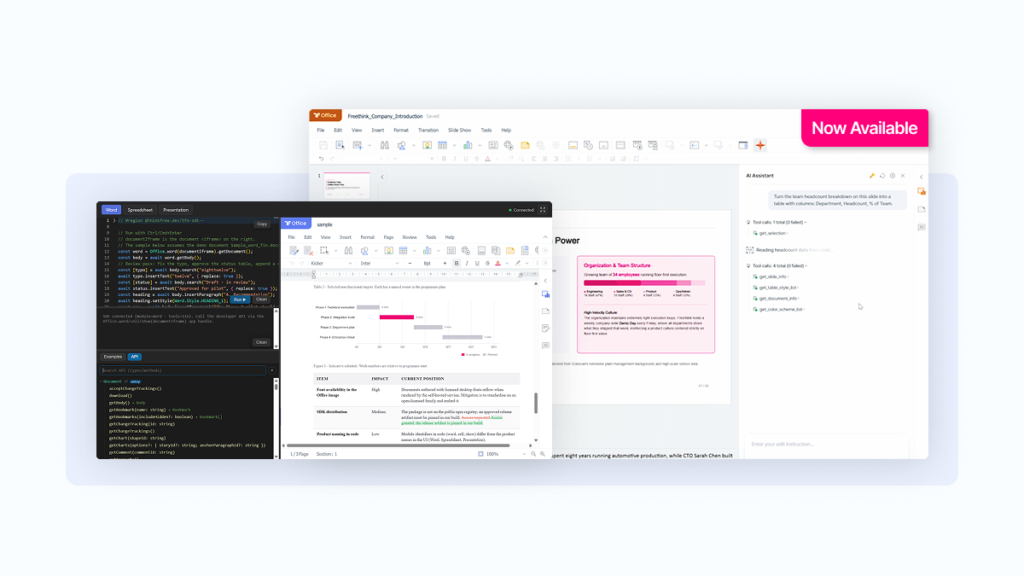
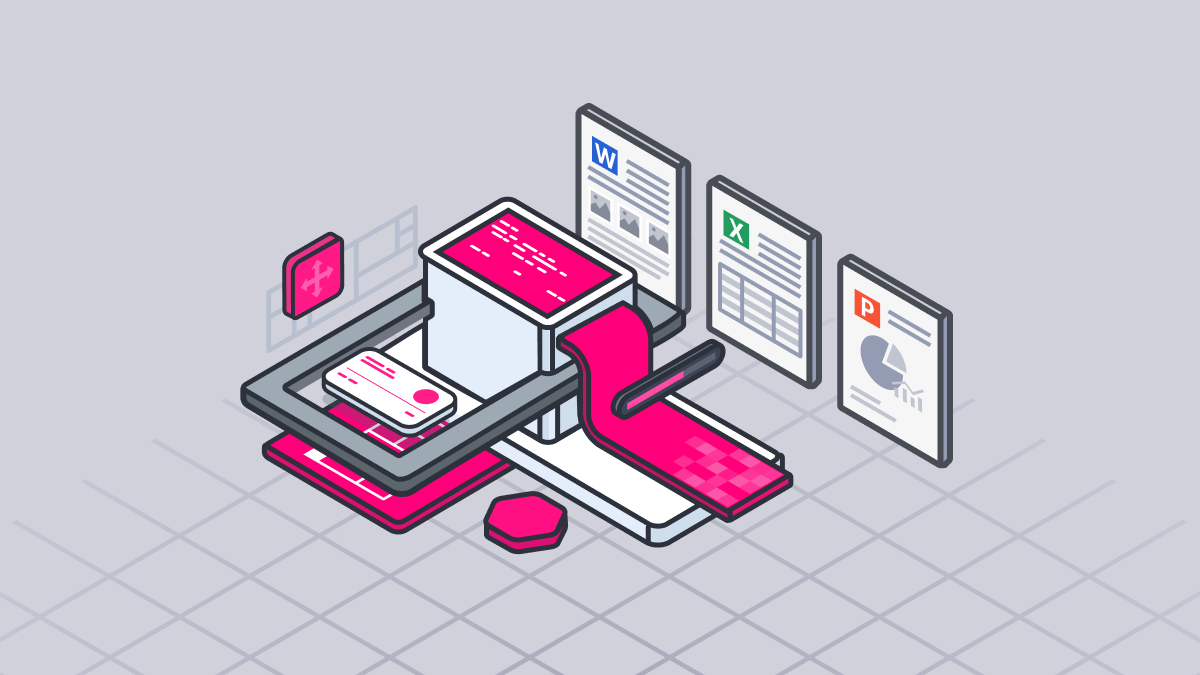
Thinkfree Office is now offered as Thinkfree Document Editor SDK for embedded document editing, object-level APIs, and AI agent integration.
Adding document functionality often begins with an unexpected Office integration requirement. One day you hear that a competitor has shipped document editing, and a few days later a key customer asks when your product will support it. By the time the next quarter’s roadmap is almost finalized, your team may find itself evaluating Office integration options under significant time pressure.
The way you approach Office integration can significantly affect launch timelines. What happens if your team spends six months building a document feature only to end up with something that can merely open files? Even after launch, your engineers may still be stuck fixing format rendering bugs instead of working on core product development.
The way you introduce document functionality can significantly affect launch timing, development resource allocation, and long term maintenance costs.
Before making a decision, it is worth considering the following factors.
Based on these questions, you can evaluate three major approaches to document feature adoption: building your own editor from scratch, adding functionality to the Microsoft Office ecosystem through an Office Add-in, or integrating a document engine through an SDK.
Each approach differs clearly in both technical implementation and business implications.
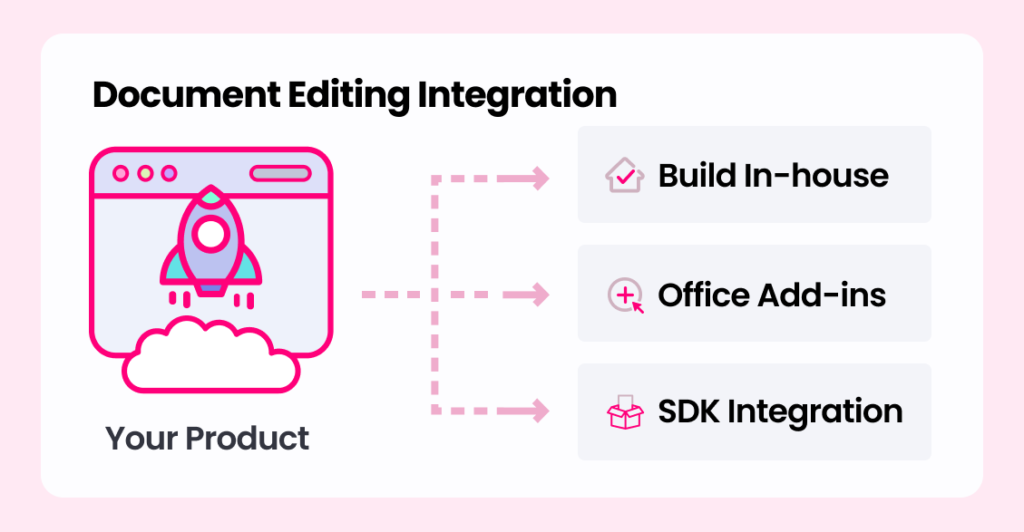
Building a document editor in-house gives your team complete control over the architecture and functionality. You can design an architecture that fits your internal security policies, and you can customize it for special formats or proprietary data structures. This approach can also be integrated more seamlessly into your own product than the other options.
The biggest challenge in starting from scratch is the complexity of handling mainstream document formats such as OOXML and ODF. Going beyond a simple parser and reaching the rendering accuracy expected in business use requires substantial engineering investment.
While generating text with an LLM is relatively straightforward, preserving document fidelity across formats such as OOXML and ODF is far more complex. Supporting tables, images, styles, page layouts, and collaboration features requires significant engineering effort. It also requires ongoing maintenance.
Microsoft’s XML based OOXML specification exceeds 6,000 pages and includes a large amount of legacy structure for backward compatibility with older formats. ODF also introduces a different set of implementation challenges.
Even if you focus only on layout rendering, you still need to implement style inheritance, direct formatting precedence, paragraph indent and spacing calculations, section level page size and margin handling, multi column layouts, and header footer logic for odd and even pages. Table handling alone can require hundreds of pages of specification, including nested tables, cell merging, paragraph style inheritance inside cells, and border rules.
As a result, implementing production-grade document functionality often proves more complex than expected.
Even if you use open source libraries such as Apache POI or Open XML SDK instead of building a custom parser, the same issues can remain. They reduce the burden of parsing file structure, but they are primarily designed for data model access and do not guarantee high level rendering. Visual accuracy, including pagination, font metrics, and complex table and chart rendering, still has to be implemented directly. In addition, supporting collaborative editing requires a separate OT or CRDT implementation suited to the document structure.
Beyond initial development costs, ongoing maintenance and update work can consume resources that would otherwise go into the core product. In software engineering and business strategy, it has long been pointed out that building non core functionality in-house can lead to an unfavorable total cost of ownership.
In-house development is only a practical choice when the document engine itself determines your product’s core competitive advantage, and when your team can afford the corresponding cost and development timeline.
Office Add-ins provide additional functionality inside Microsoft Word, Excel, and PowerPoint through embedded web experiences such as task panes or side panels. Because users can continue working within the familiar Microsoft Office environment, Office Add-ins typically face less adoption resistance among organizations that already depend on Microsoft Office workflows. Microsoft Office handles document compatibility and rendering through its native editing engine, while Office.js API enables teams to build and test quickly.
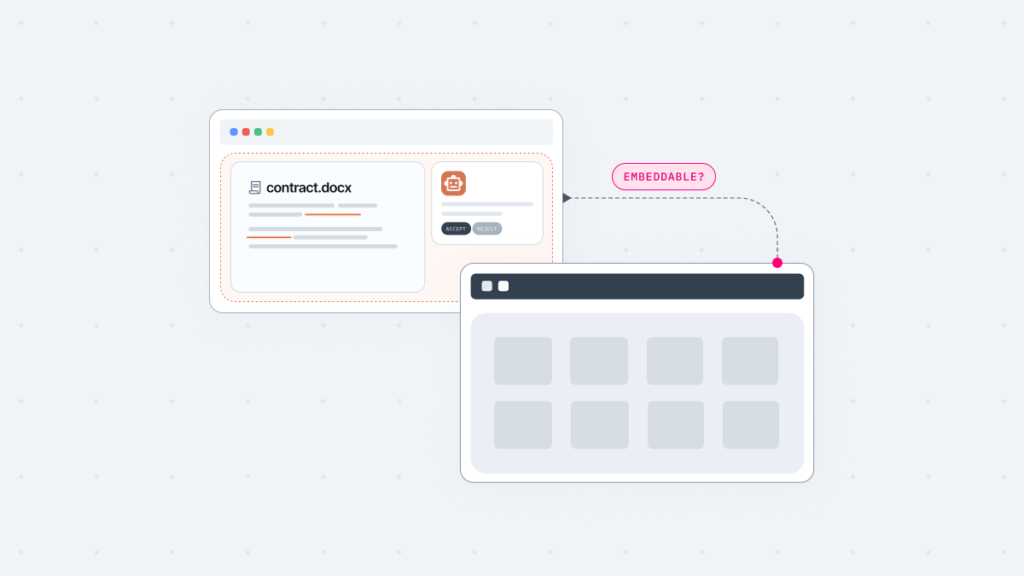
However, the fact that an Add-in is tightly tied to the Microsoft Office environment can be either an advantage or a disadvantage depending on the situation. Add-ins only work in environments where Microsoft Office is installed, so they cannot be fully embedded inside your own platform.
You also need to consider the possibility that the same code may behave differently depending on the end user environment. Support for Add-in features can vary based on platform such as Windows, Mac, Web, iOS, and Android, as well as Office version, update channel, and license type such as Microsoft 365 subscription versus perpetual license. API updates can also introduce structural dependency risks, since feature behavior may change immediately when the API changes.
An Add-in strategy assumes that customers have valid Microsoft Office licenses. If you need to deliver into customer environments where Office is not licensed, or if you serve many enterprise customers with different Office versions and IT policies, this can become a barrier to adoption. The issue becomes even more pronounced if your customers include public institutions or companies that prefer open source software.
Another drawback is that it is difficult to design the product UI and UX independently, which makes it harder to maintain brand consistency inside your own product. Users also have to leave your platform and move into a separate document tool to perform editing, which is another point to consider from a user experience perspective.
In short, an Add-in approach is suitable when your entire customer base is already tied to the Microsoft Office workflow and platform independence is not a priority.
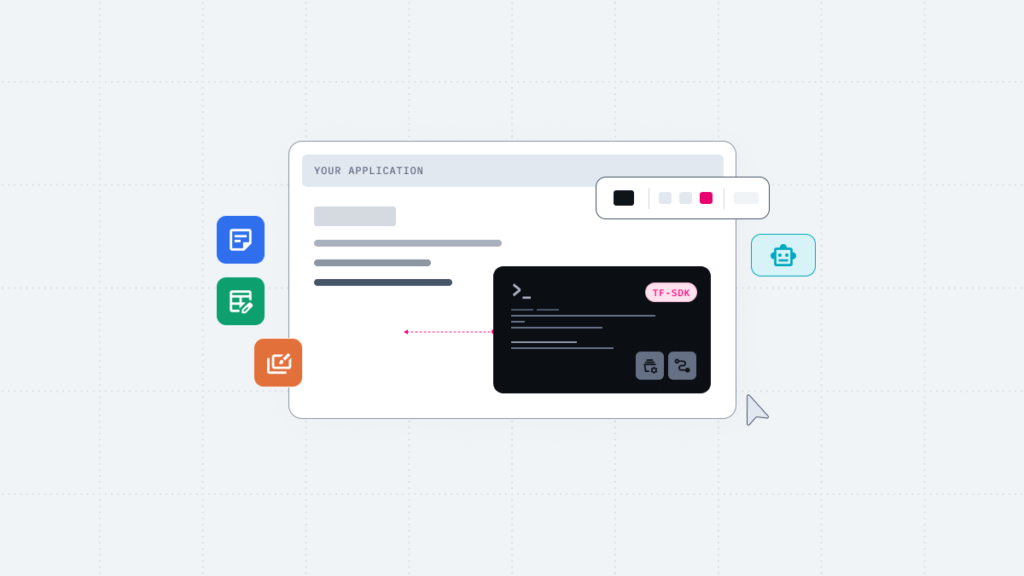
The SDK approach embeds a document engine directly into your own infrastructure. Depending on the engine, you can choose how OOXML and ODF parsing and rendering are deployed across your environment. This approach provides access to capabilities such as document conversion, collaborative editing, and AI-powered document processing without requiring in-house development.
During the initial integration process, connecting the document engine to your own product requires some technical investment, especially to understand the SDK API design and link it with your infrastructure. This usually consumes far fewer resources than building an editor or Add in in-house, but the time needed for integration can still range from several days to several weeks depending on the team’s technical capability and the complexity of the product and infrastructure.
Vendor dependency also needs to be understood clearly. In an SDK model, dependency is not the same as being unilaterally subject to a vendor’s policy changes. You can evaluate SLA commitments, update policies, and long-term support agreements during procurement and contract negotiations. That said, you still need to evaluate whether the supplier’s technical capabilities have been proven in the market and whether their support is strong enough.
For SaaS, enterprise, and SI environments that need to integrate document functionality quickly, document engine integration can be the balance point between launch speed and long term maintenance cost.
Criteria | Build In-house | Office Add-in | SDK Integration |
|---|---|---|---|
Development period | 6+ months
(Can take several years depending on functional scope) | 1–3 months | Days to weeks
(Based on API integration; varies by team's technical investment) |
Format Compatibility | Varies by implementation quality; full-fidelity requires long-term investment | Native OOXML compatibility via MS-Office engine, relies on Microsoft Office document compatibility | High-fidelity OOXML and ODF compatibility via specialized engine |
Deployment Flexibility | Maximum flexibility (custom architecture) | Dependent on MS-Office installation; (Supports Office on the Web/Mobile, but no standalone deployment) | Flexible deployment across On-Premise, SaaS, and Hybrid Cloud (Depending on the engine used) |
MS Platform Dependency | None | High | None |
Maintenance Cost | High
(Internal team is fully responsible for format updates and bug fixes) | Medium
(Requires manual updates in response to MS API changes) | Low
(Engine updates are managed by the vendor) |
AI Integration | Requires separate design
(Directly implementing the link between document structure and AI pipeline) | Supports MS Copilot; locked into M365 ecosystem & licensing | Flexible AI integration enabled by an LLM-agnostic architecture |
If you are evaluating an SDK approach for document functionality, it is best to assess vendors based on technical stability, format compatibility, AI integration flexibility, and long term support.
Thinkfree Office is one option worth considering for SaaS, enterprise, and SI companies under these criteria. First launched in 2000 as the world’s first web office product, it has been built over 25 years on a proprietary office engine that natively renders OOXML and ODF with a high level of formatting fidelity. It also supports integration in multiple ways, from Hosted API to private cloud and on premises environments, so it can adapt to enterprise integration timelines and infrastructure requirements.
Another distinguishing feature is its AI-embedded editor, which lets users instruct the system to create, edit, and review well formatted documents through an AI chat experience. Thinkfree Office also supports AI integration without locking you into a specific LLM or sLLM vendor, making it possible to deliver strong AI document editing experiences while avoiding AI vendor dependency.
Like this post? Share with others!