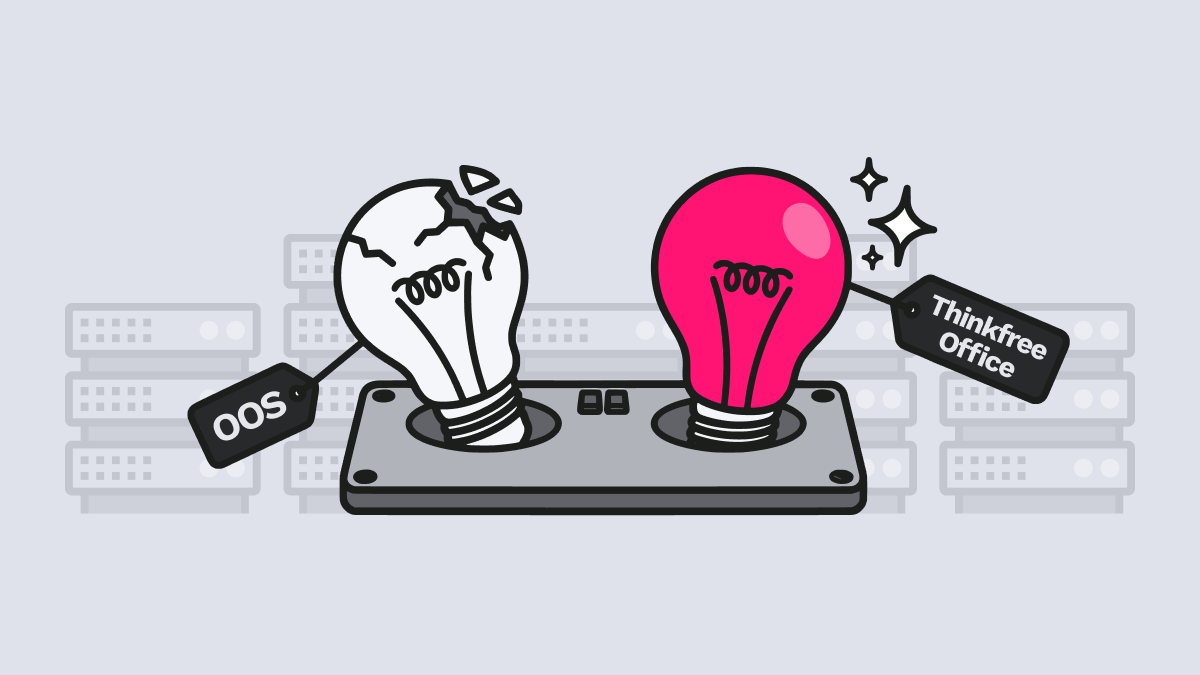
Microsoft has announced that Office Online Server (OOS) will reach end of life on December 31, 2026. After that date, security updates, bug fixes, and technical support will all end. Organizations that use Office Online Server with SharePoint or internal ECM and DMS systems for browser based editing now face an important decision.
Microsoft officially recommends transitioning to Microsoft 365 Enterprise, its cloud based offering. Microsoft 365 Enterprise may fill this gap for many organizations. However, this choice does not fit every organizational situation. Factors such as migration costs, air-gapped environment requirements, security compliance, and data sovereignty can make immediate cloud migration impossible or inefficient.
That leads to a practical question for enterprises: can Office Online Server be replaced without changing the existing infrastructure?
Understanding what Office Online Server actually does is the right starting point. Office Online Server is a browser-based editing engine built on the Web Application Open Platform Interface (WOPI) protocol. It is not a storage system but a tool that allows opening and editing files within a web browser.
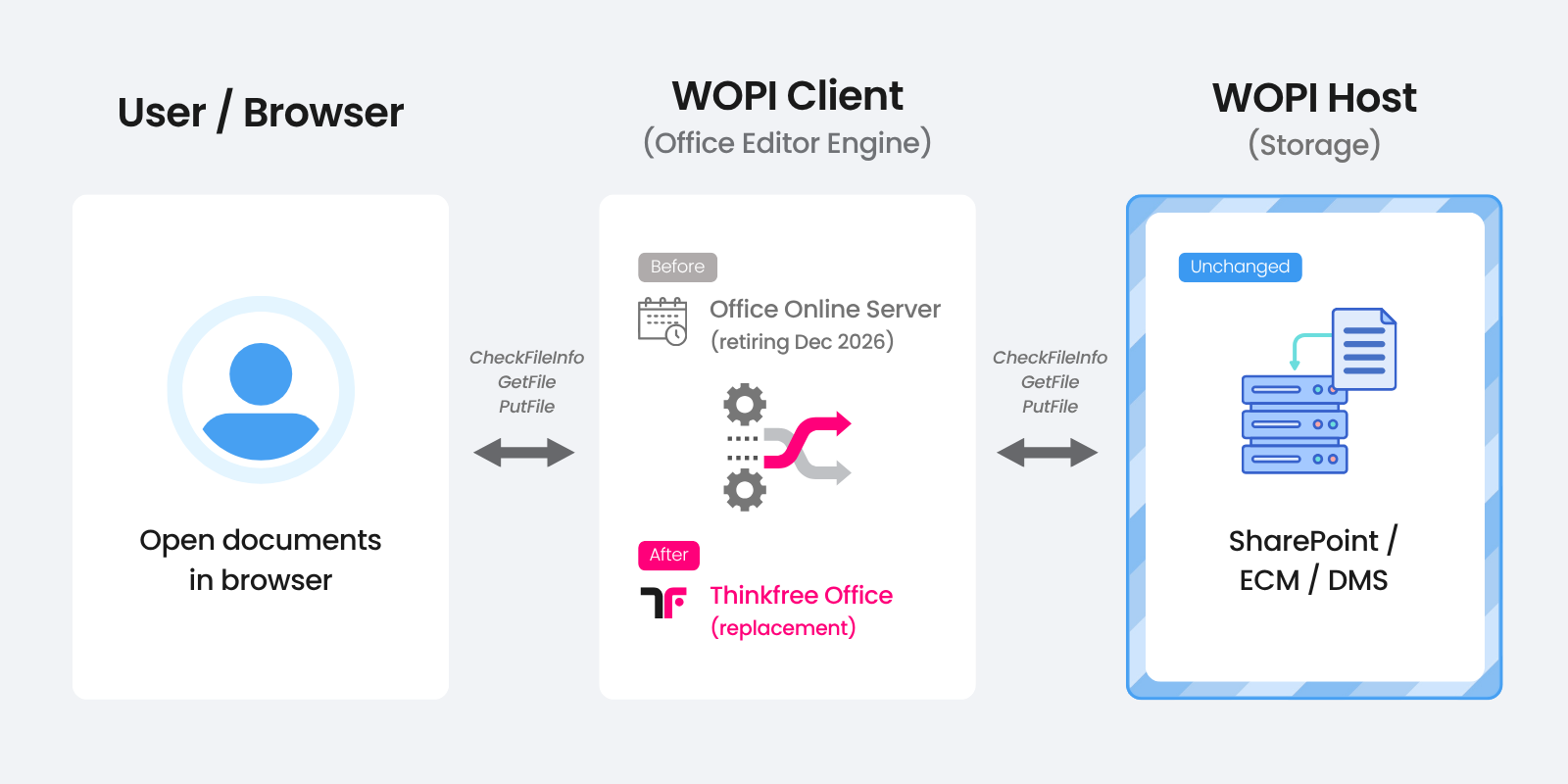
So the most practical response to Office Online Server EOL is not to replace the WOPI Host infrastructure. Instead, organizations should replace the editing engine (the WOPI Client) with a reliable alternative.
Microsoft has stated it will not actively block Office Online Server usage on SharePoint Server after the retirement date. However, maintaining unsupported software involves risks that go beyond simple inconvenience and can affect infrastructure operations.
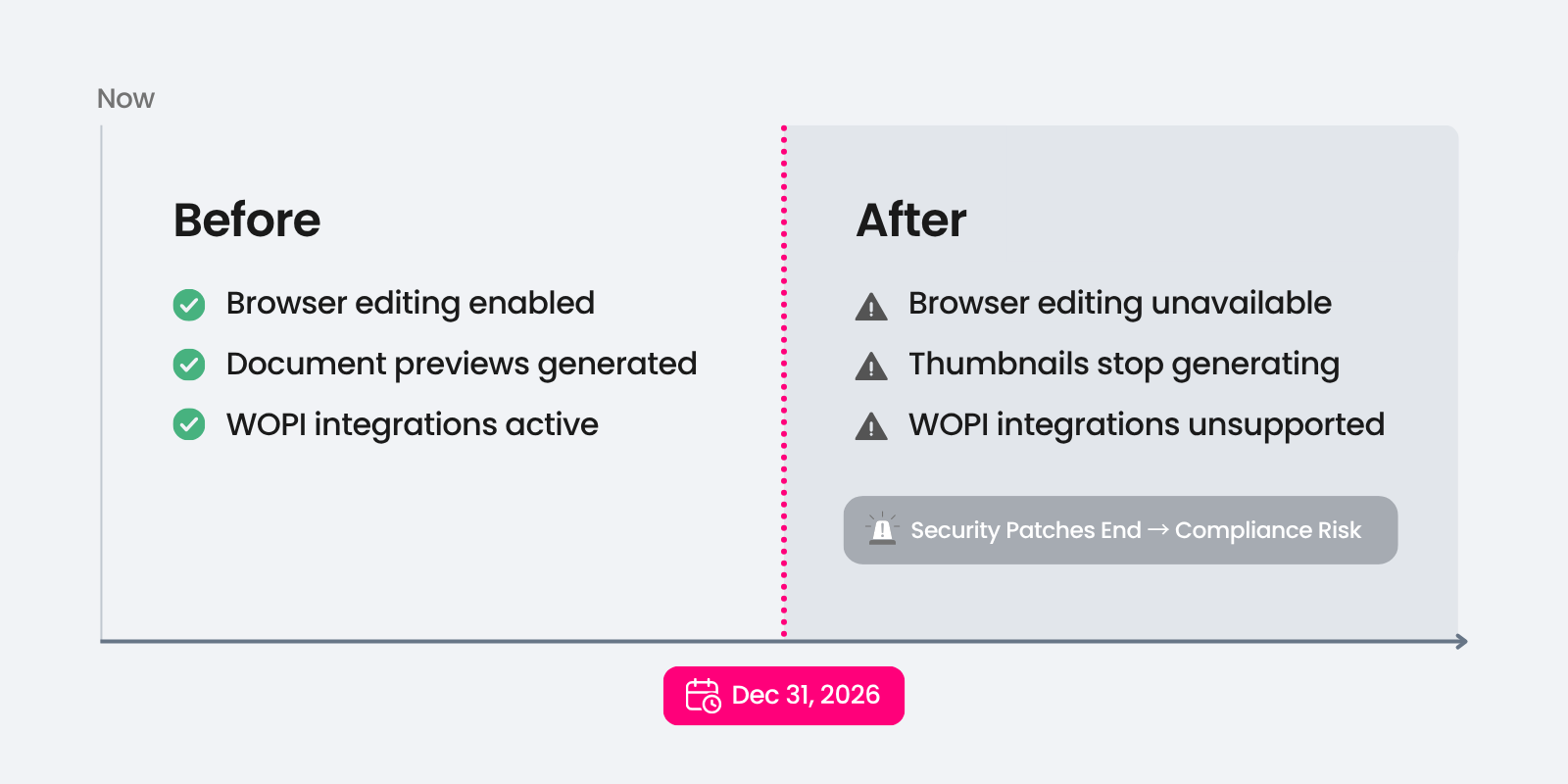
The discontinuation of Office Online Server does not necessarily make it unusable immediately, but it does make continued use increasingly risky and difficult to justify. Failing to respond properly will eventually impact the corporate document workflow.
To determine the best path, organizations must compare the cloud-based SaaS subscription model with the existing on-premises licenses. Flexible SaaS subscriptions may benefit organizations with frequent changes in user numbers. However, organizations with a fixed large-scale workforce and existing on-premises infrastructure may find this transition less favorable in terms of Total Cost of Ownership (TCO).
Category | Office Online Server (Current) | Microsoft 365 Enterprise (Post-Migration) |
|---|---|---|
Licensing | Windows Server infrastructure-based; Office SA or volume license required to enable editing | Per-user subscription (E3/E5, etc.) |
Cost Type | Capital Expenditure (CapEx) | Operating Expense (OpEx) |
Initial Investment | High initial cost: server hardware, OS, SQL, and related infrastructure | No hardware investment but immediate subscription costs
(plus potential migration costs) |
Ongoing Costs | On-premises maintenance (electricity, space, IT labor) | Monthly/annual subscription fees with potential price increases |
Cost structure is not the only consideration. Companies maintaining on-premises systems for structural or industrial reasons may face the following barriers:
Microsoft’s recommendation reflects a consistent and understandable position within its broader cloud strategy. But the enterprise customers should consider other possibilities. Maintaining SharePoint Server Subscription Edition (SPSE) while replacing the engine with a WOPI-compatible third-party editor is a viable path.
In other words, hybrid cloud integration is one possible option, but not the only one.
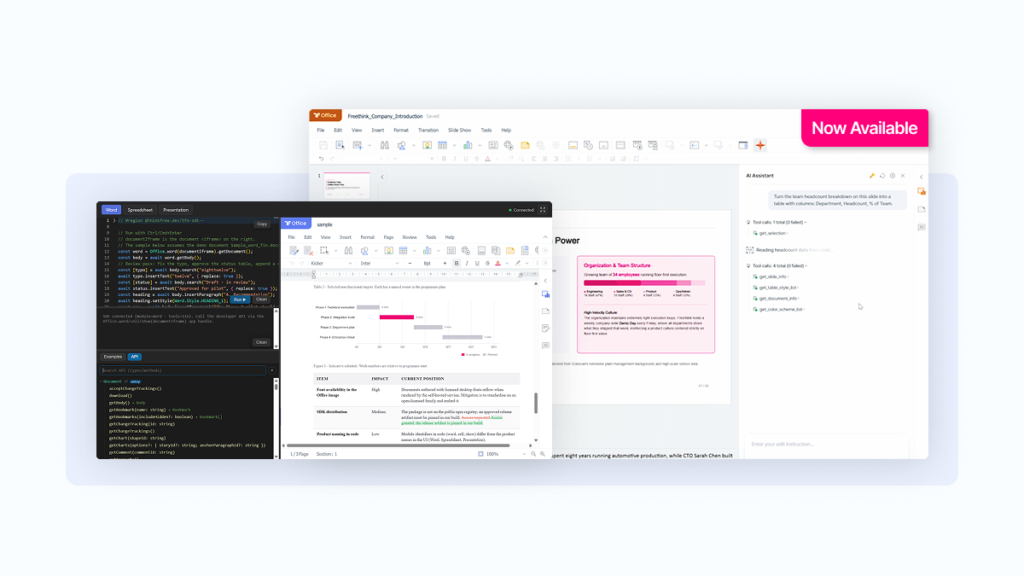
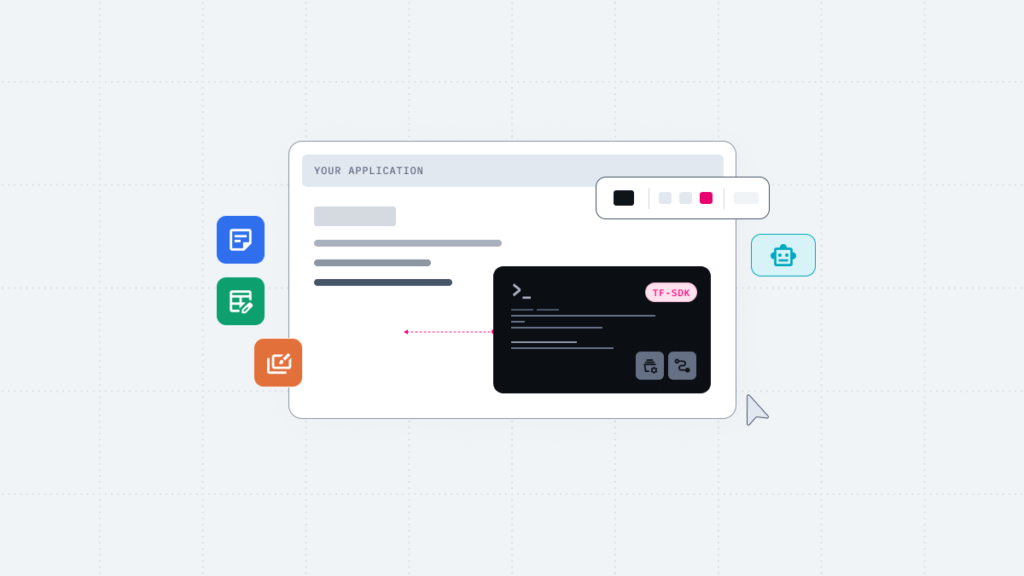
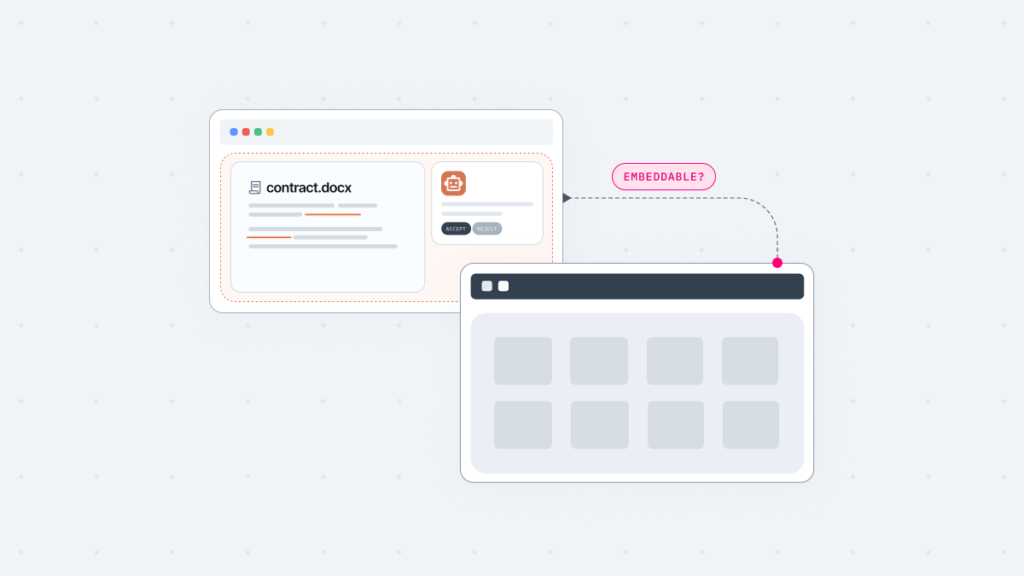
Thinkfree Office is now offered as Thinkfree Document Editor SDK for embedded document editing, object-level APIs, and AI agent integration.
Thinkfree Office is a flexible, self-hosted web office solution that can replace the document editing functionality previously provided by Office Online Server.
Thinkfree Office follows the same standard WOPI protocol that Office Online Server uses. This allows companies to switch the editing engine to Thinkfree Office without replacing existing WOPI Hosts like SharePoint or ECM.
The core WOPI actions Thinkfree Office handles are:
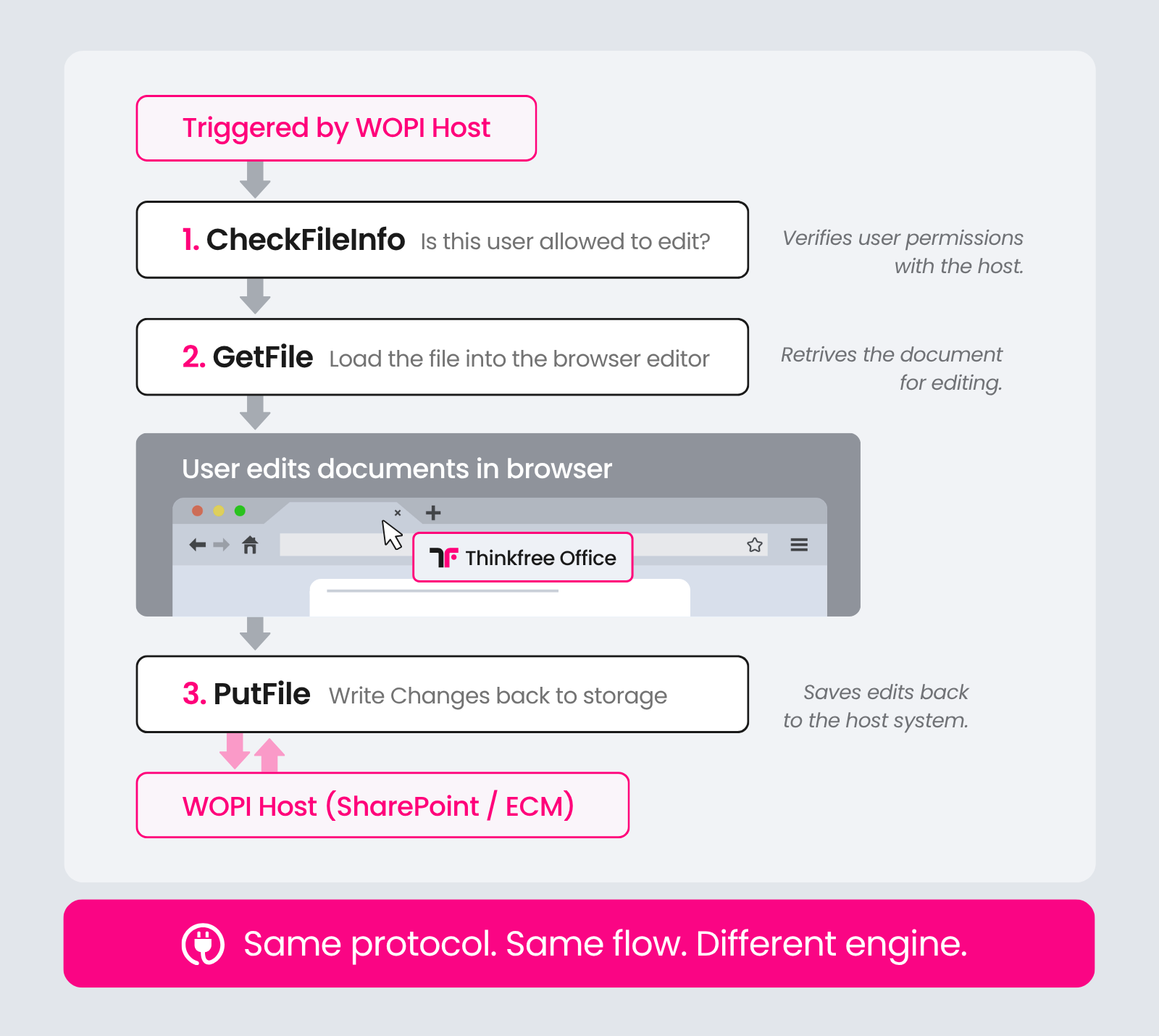
Thinkfree Office handles the same functions that Office Online Server has been handling. From the perspective of the existing infrastructure, only the WOPI Client changes.
Security standards for document collaboration are becoming more stringent. Thinkfree Office features a WOPI standard authentication architecture based on JSON Web Tokens (JWT). This supports data integrity and fine-grained access control throughout the document lifecycle, from viewing to saving. This modern authentication system meets enterprise-level security requirements.
.docx, .xlsx, and .pptx files that open in Office Online Server also open and edit in Thinkfree Office with a familiar experience. Thinkfree Office does not convert files into a separate format. It renders documents natively through its own engine. Over 25 years of independent engine development supports seamless business document compatibility.
Beyond feature parity with Office Online Server, Thinkfree Office offers meaningful flexibility at the infrastructure level.
Responding to the Office Online Server discontinuation does not require a massive infrastructure overhaul. A practical approach of replacing the editing engine is sufficient for a successful workflow transition.
Check these two items now for a successful transition:
Thinkfree Office maintains your document environment with seamless collaboration support, high-fidelity format compatibility, and deployment options suited to your organization’s requirements.
Review the Thinkfree Office WOPI integration documentation to see how it performs in your environment.
It will technically function. However, security updates will stop after 2026, and no patches will be provided for new vulnerabilities. Using unsupported software may also create compliance issues in regulated industries.
Since Thinkfree Office acts as a WOPI Client, the existing WOPI Host (Sharepoint or a separate ECM) remains the same. You only need minimal configuration changes, such as updating the WOPI Discovery URL to point to the Thinkfree endpoint.
See the WOPI Setup Guide for details, or contact technical support for assistance.
Yes. All components of Thinkfree Office are containerized, so you can package and import images into an internal server. It can integrate directly with internal object storage or file systems without external communication.
For specific technical requirements, please contact us.
Yes. Thinkfree Office handles .docx, .xlsx, and .pptx files through a native engine with high OOXML compatibility. Existing documents can be opened and edited without conversion, preserving the original file format. ODF formats (.odt, .ods, .odp) are also supported.
Yes. Thinkfree Office provides white-label options covering logo, color scheme, and UI layout. You can also enable or disable specific features based on your needs.
Yes. Thinkfree Office provides a web-based editor with a UI/UX optimized for mobile and tablet environments. Users can expect a consistent editing experience across devices, with a familiar feel on mobile and tablet as well as desktop.
Like this post? Share with others!