
Deploy a self-hosted online office on-premise or in your own cloud (BYOC)
while maintaining full control over data security, infrastructure, and integration with your existing IT environment.
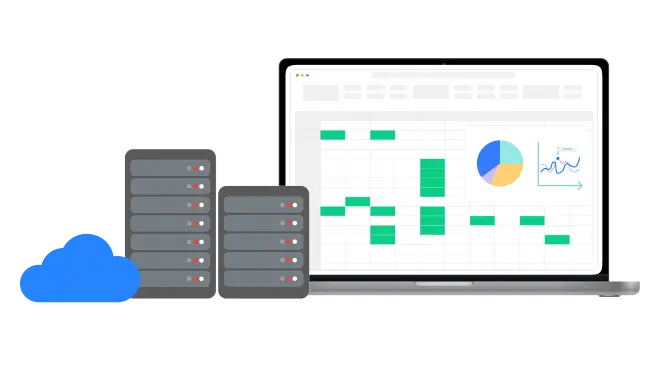
Organizations in regulated industries such as finance, healthcare, government, and education often cannot send documents through a third-party cloud. Thinkfree Office Self-hosted runs entirely within your network or your own cloud account, ensuring that every document, edit, and access log remains under your control from day one.
Store and manage documents in your own infrastructure to ensure full ownership and security compliance

Work with Thinkfree specialists to customize and integrate Thinkfree Office into your solution
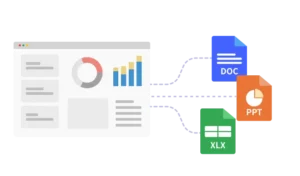
Customize the office suite to meet your organization’s needs from access controls to white labeling
A self-hosted online office is an online word processor, spreadsheet, and presentation suite that runs on servers you control, whether in your own on-premise data center or in your own cloud account (Bring Your Own Cloud, or BYOC), rather than in a vendor-managed shared cloud environment.
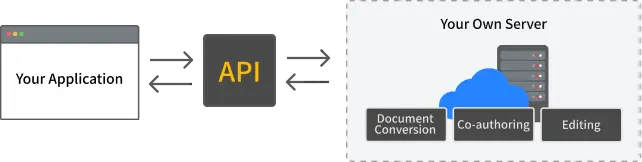
With Thinkfree Office Self-hosted, you install the application and document editing engine within your infrastructure. Users can open, edit, and co-author Word, Excel, and PowerPoint files (.docx, .xlsx, .pptx) directly in a web browser, while every document, version history, and access log remains on servers you manage.
This is different from the Hosted API option, where Thinkfree operates the infrastructure for you.
For a detailed comparison, see Self-hosted vs Hosted API.
Level up your enterprise system and service with our value-added options
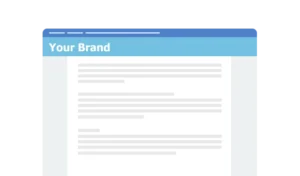
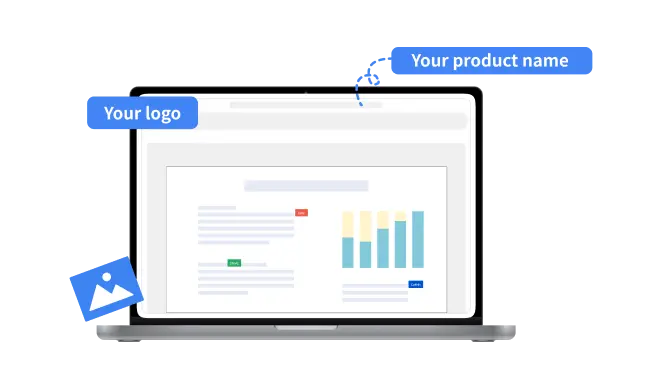
Customize Thinkfree Office to match your brand identity with our White Label option
Supported White Label Options
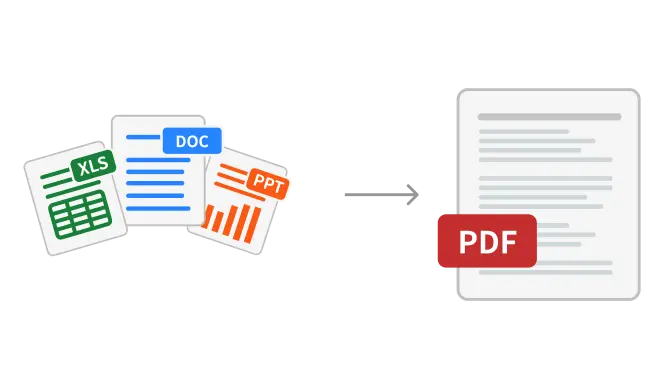
Thinkfree Office’s Doc2PDF option provides a hassle-free way to convert documents into high-quality PDFs without additional software installations
It means Thinkfree Office runs entirely inside your own infrastructure — on-premise or in your own cloud (BYOC) — so your documents and data never leave your network.
With Self-hosted, you deploy and manage the servers yourself for maximum data control. With Hosted API, Thinkfree manages the infrastructure and you connect via API for lower operational overhead. [Compare both options]
Yes. Self-hosted supports both on-premise servers and BYOC (Bring Your Own Cloud) deployments, including AWS, Azure, and Google Cloud.
Yes. It opens and edits .docx, .xlsx, .pptx, and legacy .doc/.xls/.ppt formats, and can convert them to PDF with the Doc2PDF add-on.
Yes. It opens and edits .odt, .ods, .odp.
Yes. The White Label add-on lets you hide the default title/menu bar and replace the logo, favicon, and product name with your own branding.
Yes. Thinkfree Office Self-hosted is built for integration with existing IT environments, including native Nextcloud integration, and our team can help tailor the architecture to your stack.