Thinkfree Word Processor is an MS Word-compatible online editor that runs entirely on your own infrastructure.
It supports real-time collaboration, track changes, and full Word, OpenDocument, and RTF compatibility with complete data control.
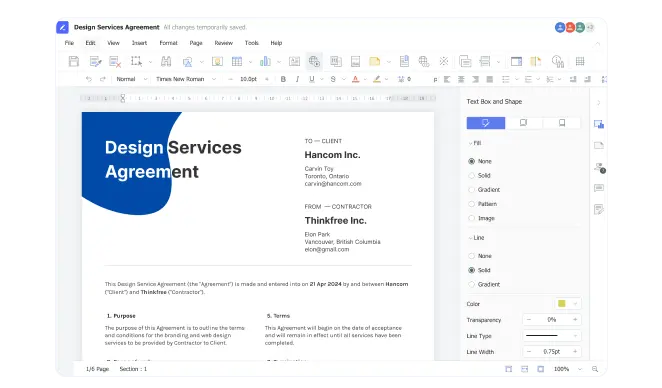
Tailor every aspect of your business documents with precision using our advanced formatting tools
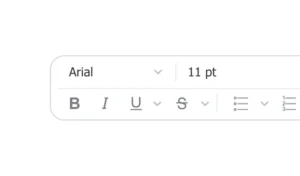
Customize fonts and apply bold, italic, or underline to highlight key content
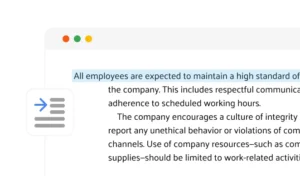
Align text to the left, center, right, or justify to create clean, professional looking documents

Customize margins, orientation, and layout to perfectly fit your document needs
Experience a new level of teamwork with collaboration features of our online word processor
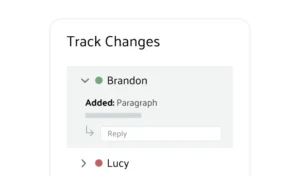
Monitor revisions in real time and leave comments directly in the document for clear, efficient collaboration
Chat with your team in real time to review edits and stay aligned without leaving the document

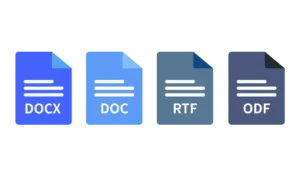
Create polished documents with powerful tools and full support for Word, OpenDocument, and RTF
Open, edit, and share documents in Word, OpenDocument, and RTF formats, with easy PDF conversion
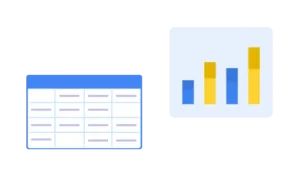
Organize and present your data with precision using easy-to-use table creation and chart tools
Add images, videos, and hyperlinks to make your document more engaging and interactive

Yes. Thinkfree Word Processor opens, edits, and saves DOCX, DOC, and RTF files natively, preserving fonts, layouts, and formatting without conversion errors. It also supports OpenDocument (ODT) for organizations using open formats.
Yes. Unlike cloud-only office suites, Thinkfree Word Processor can be deployed entirely within your own data center or private cloud, so documents never leave your infrastructure.
Yes. Multiple users can edit the same document simultaneously, see each other’s changes live, leave comments, and chat without leaving the document. Track Changes lets teams review every edit before it’s accepted.
Because Thinkfree Word Processor runs on-premise, your organization retains full control over data storage, access permissions, and compliance — without relying on a third-party cloud provider.
Yes. It’s built to embed into existing IT infrastructure, including Nextcloud and other internal platforms, so teams can keep using their current document management workflows.
