Let users open, edit, and save DOCX, XLSX, and PPTX files inside your application. Connect through Thinkfree Cloud API without deploying or maintaining an Office server.
You connect through APIs and pay only for what you use.
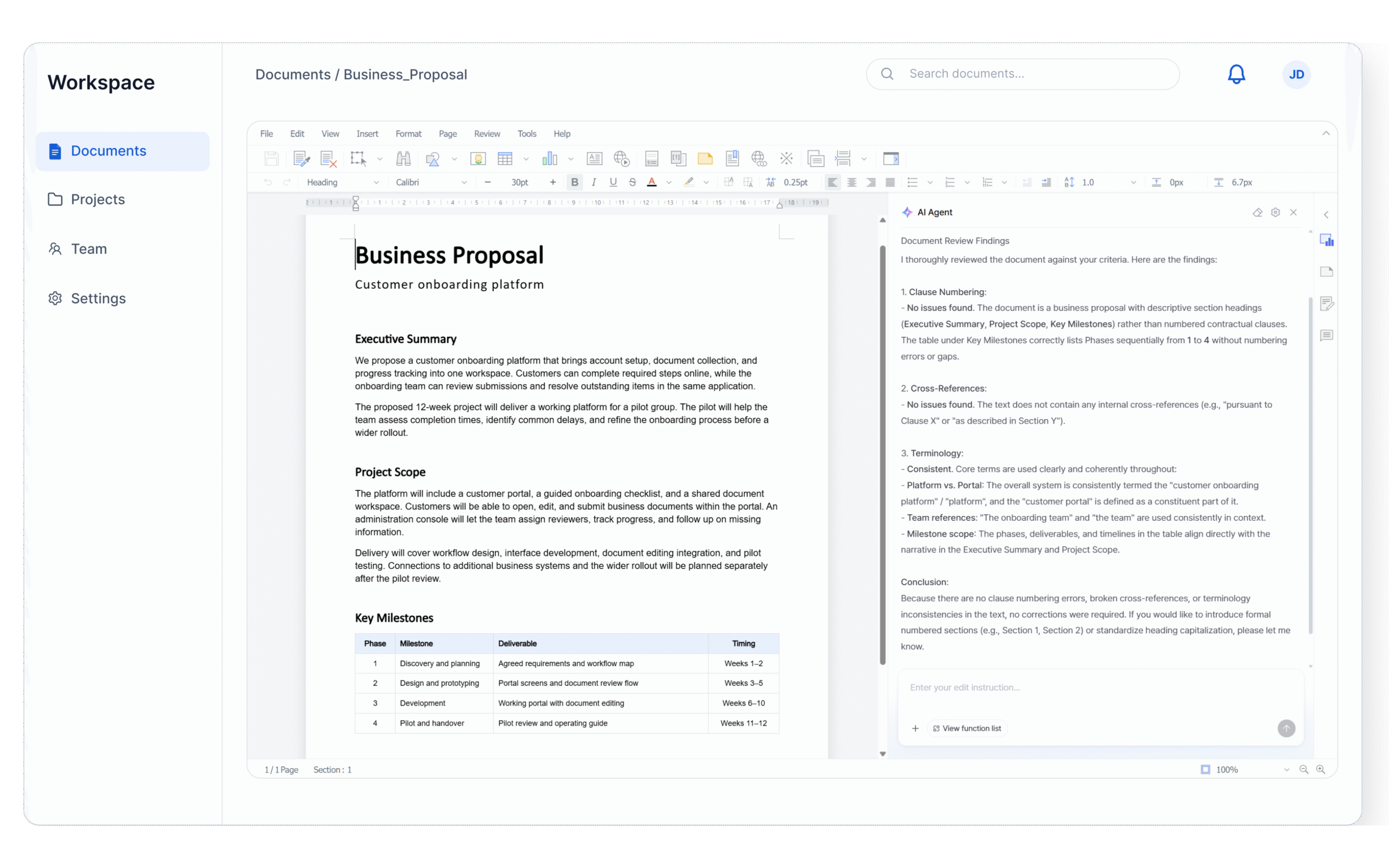
Connect your application to Thinkfree Cloud API to let users open, edit, and save Office document. Thinkfree hosts and operates the editing servers.
Integrate Thinkfree Cloud API with your application and connect your document workflow.
Let users edit DOCX, XLSX, PPTX, and ODF files in an editor embedded in your application.
Save edited documents back to the storage connected to your application.
Gives users the tools to edit DOCX, XLSX, PPTX, and ODF files without leaving your application.
Bring document editing into the workflows they already use.
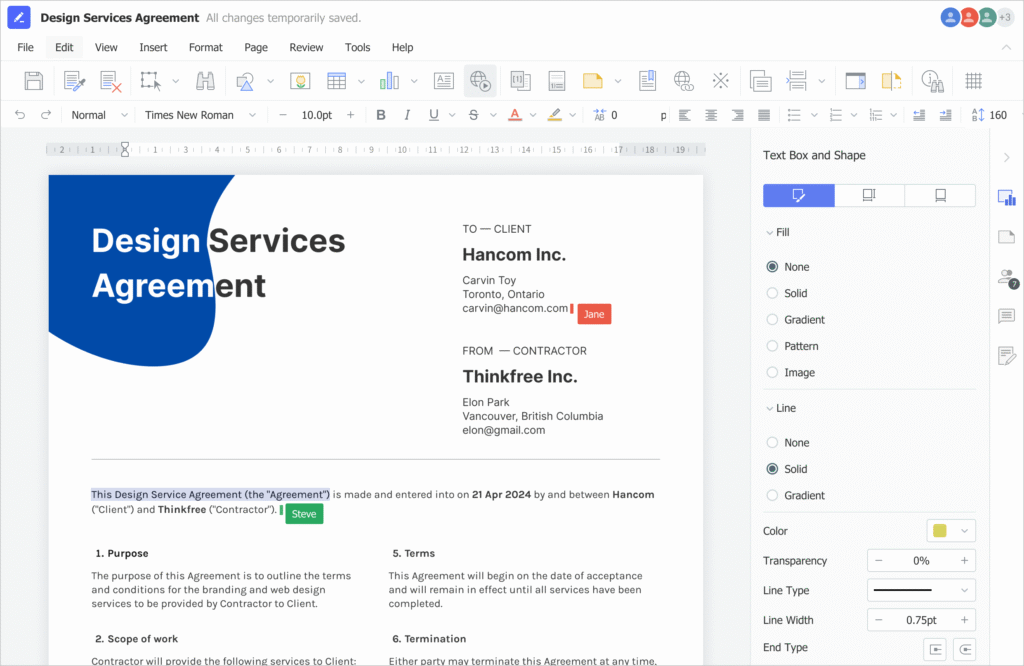
DOCX
Create and revise business documents with text formatting, tables, and images.
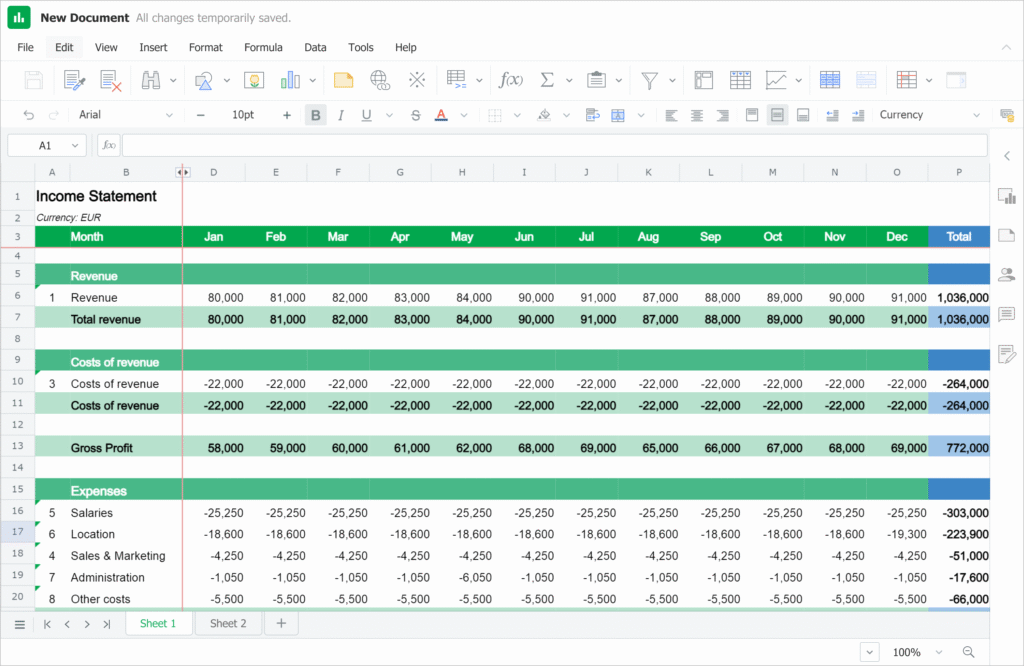
XLSX
Update data, calculate with formula, and visualize result with charts.
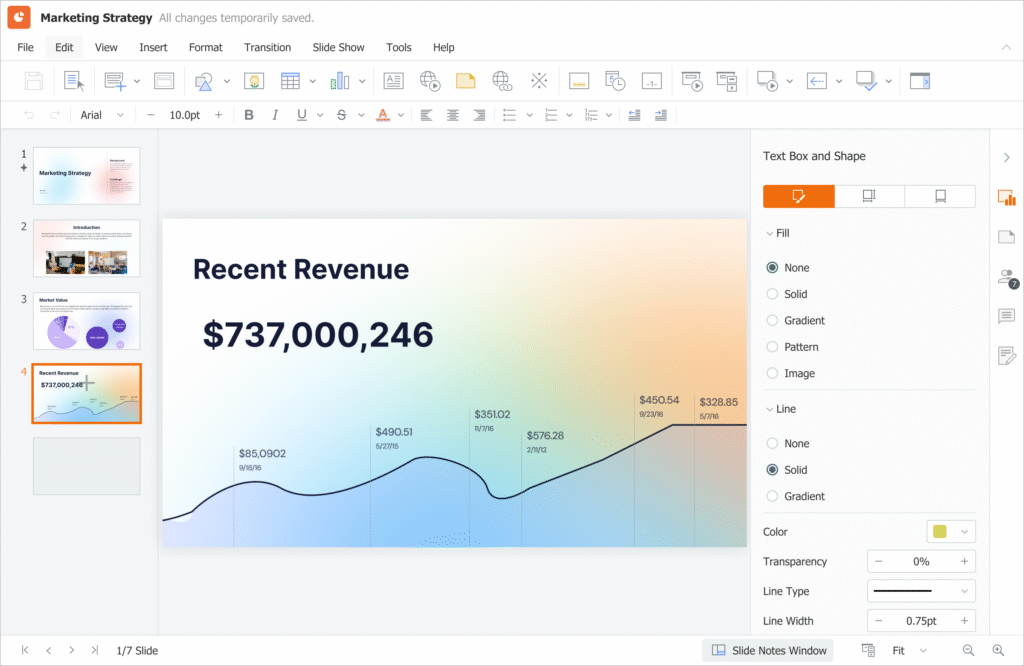
PPTX
Revise slide content and arrange text, images, and shapes.
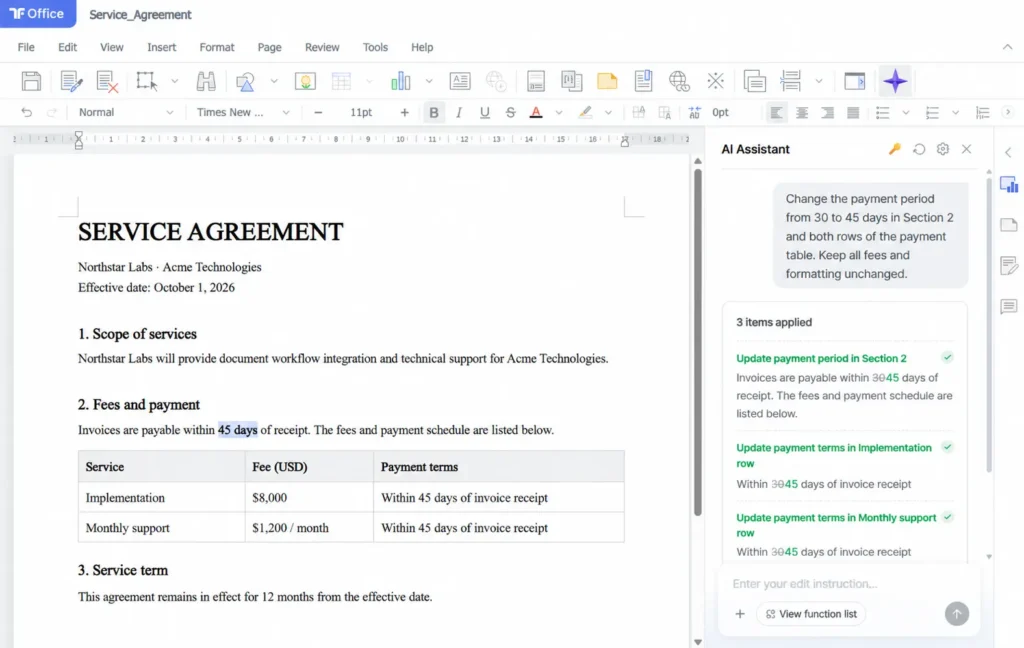
Use object-level APIs to update paragraphs, tables, spreadsheet cells, and slide content. Connect your AI agent to these editing operations, and let users review the results and keep editing in your application.
Read and update individual document object, from paragraphs and tables to cells and shapes.
Your application manages the model connection and tool-calling loop. Thinkfree executes the document editing operations.
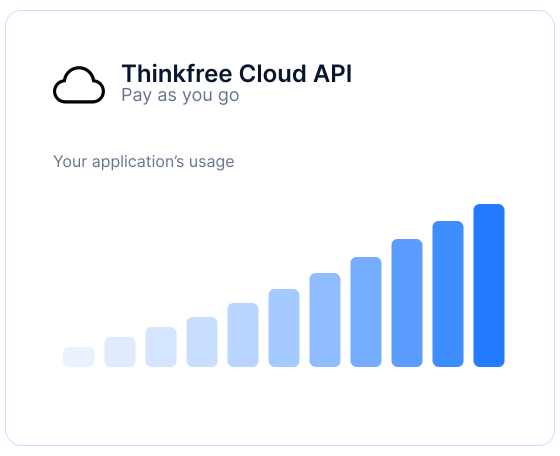
Pay only for what you use. Thinkfree hosts and maintains the Office servers, so your team can focus on your application.
No Office servers to deploy
No server maintenance to manage
Costs tied to your usage
DEPLOYMENT OPTIONS
Use Thinkfree’s hosted service or run the editor on your own infrastructure.
Add Office editing to your application without setting up or maintaining Office servers.
SERVER OPERATIONS
Managed by Thinkfree
DEPLOYMENT
Connect your application through APIs
PRICING MODEL
Usage-based billing
BEST FOR
Teams that want to avoid operating Office servers
Run Thinkfree’s Office editor in your own environment and manage the infrastructure
SERVER OPERATIONS
Office servers operated by your team
DEPLOYMENT
Deploy on your private cloud or on-premises
PRICING MODEL
License-based pricing
BEST FOR
Teams that need their own deployment environment
FAQ
No. Thinkfree hosts and maintains the Office servers. You integrate the hosted editor into your application through Thinkfree Cloud API.
Users can open, edit, and save DOCX, XLSX, and PPTX files inside your application.
You can connect your document workflow so users can open files and save their changes back to the storage connected to your application. See the integration guide for supported storage connections and setup requirements.
Yes. Connect your AI agent to supported document editing operations. Your application manages the model connection and tool-calling loop, while users can review the results and continue editing the same document.
Thinkfree Cloud API uses usage-based billing. You pay for what you use, while Thinkfree handles Office server hosting and maintenance.
Choose Document Editor SDK if you need to deploy and operate Thinkfree Office on your own cloud or on-premises infrastructure. Choose Cloud API if you prefer Thinkfree to host and maintain the Office servers.
GET STARTED
Use the included credits to try Office editing and start integrating it into your application through the Developer Console.