Embed an Office editor in your legal application.
Let your AI agent update existing DOCX documents, so users can review changes and continue editing in the same application.
DOCX editing · AI integration · Self-hosted
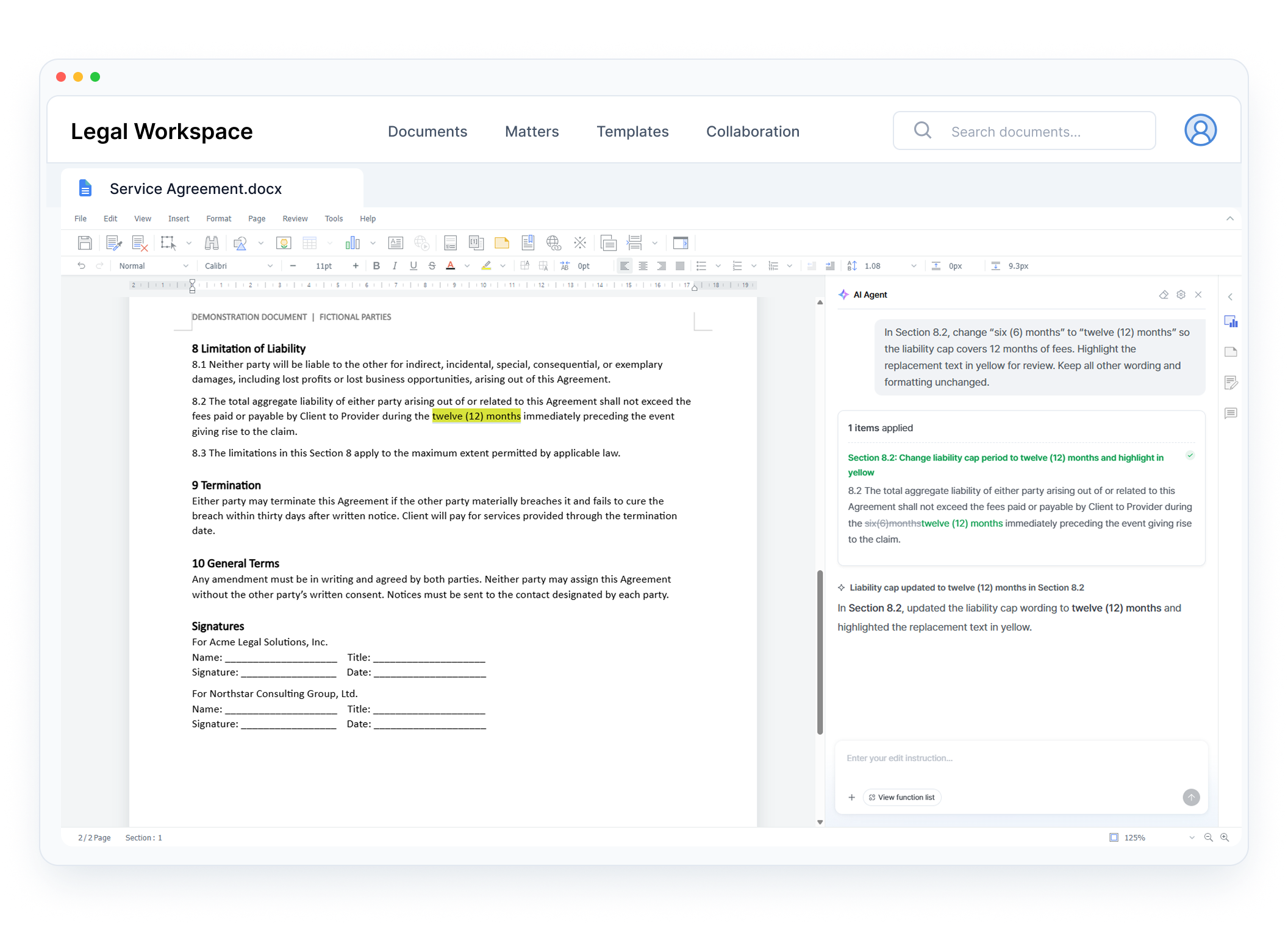
A suggested clause in only the beginning. Users still need to apply it, review the document, and keep versions aligned.
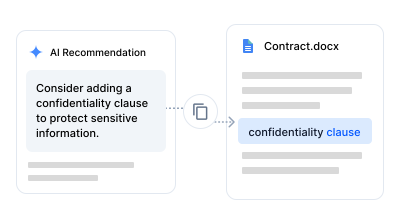
Move AI suggestions into the contract and check that they fir the surrounding text.
Download the file, open it elsewhere, and make the changes outside your application.
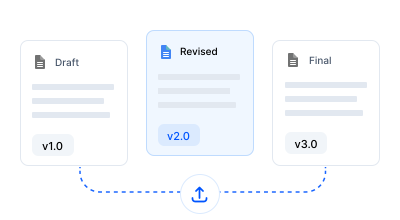
Bring the revised file back and confirm which version everyone should use.
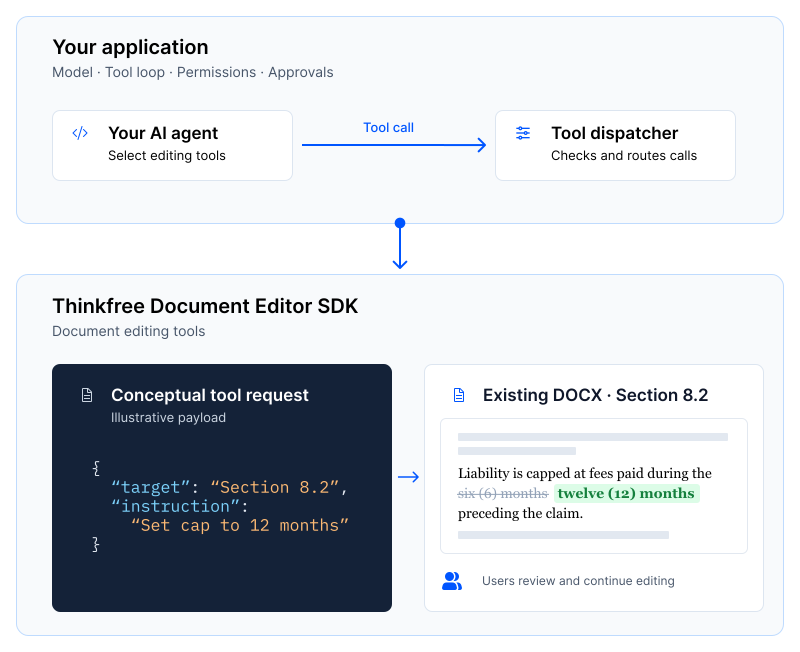
Connect your AI agent to an embedded document editor,
so it can update specific clauses in an existing DOCX contract.
01
Let users open a DOCX contract directly in your application’s embedded editor.
02
Your AI agent editing tools to revise a specific clause directly in the contract.
03
Users review the AI’s changes and continue editing the same document without leaving your application.
Choose your model and control when the AI can make changes, including permissions and approvals.
Thinkfree applies the requested changes to the document inside the embedded editor.
USE CASES
Bring document drafting, revision, and updates into the legal application your users already work in.
Let your AI identify clauses to revise and apply the changes directly to the existing contract.
Users can review and refine the wording in the embedded editor.
Open drafts created from your templates and application data in the editor, so users can refine the wording and complete the contract.
Update company names, dates, definitions, and clauses through editing APIs. Let users check the changes and continue working in the same document.
Embed an Office editor and connect your AI to document editing tools.
Let users open and edit DOCX contracts inside your application, with support for XLSX and PPTX files as well.
Update individual paragraphs, tables, and spreadsheet cells without regenerating the entire document.
Connect your AI agent to document editing operations through a tool catalog.
Choose your model and control the tool-calling loop, permissions, and approval flow in your application.
Self-host the editor and connect your document storage. Add document management and change tracking as your legal workflow grows.
Deploy the editor on-premises or in your private cloud to meet your application’s infrastructure requirements.
Integrate document loading and saving with your application’s existing storage and file workflows.
Add the Management SDK to manage files, folders, access permissions, and sharing within your application.
Add the Governance SDK to track human and AI changes and support your document review process.
Try document editing tools, explore the integration guides, or discuss the requirements of your legal application
Open a sample document and test AI editing tools in the Playground. No signup required.
Learn how to embed the editor and connect editing tools to you applications AI workflow.
Share your document workflows, deployment environment, and requirements with our team.
FAQ
Yes. Your application manages the model connection and tool-calling loop. Thinkfree provides document editing tools that your agent can call, while your application controls permissions and approvals.
Yes. Your AI agent can use editing tools to update specific parts of an existing DOCX document, such as paragraphs and tables, without regenerating the entire document.
Yes. Users can review the AI’s changes and continue editing the same document in the embedded Office editor.
Yes. The editor supports self-hosted deployment on-premises or in a private cloud. Contact us to discuss your deployment requirements.
No. Choose the SDKs for the capabilities you need. The Document Editor SDK provides the editing tools for agents. Management and Governance SDKs are optional extensions for document management and change tracking.
GET STARTED
Tell us how your users work with legal documents. Let’s explore the editing tools and deployment options that fit your application.