
Thinkfree Presentation is an on-premise presentation software built for real-time collaboration.
Create, edit, and present slide decks securely, fully within your own infrastructure.
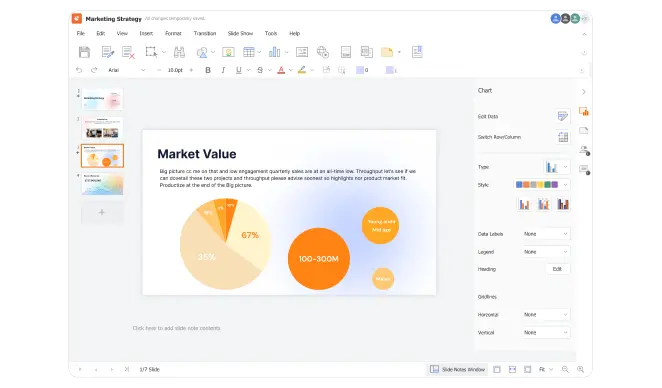
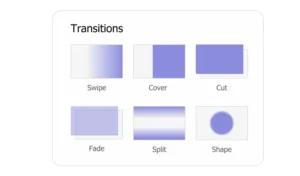
Add smooth transitions and effects, import from PPT files, and present like a pro
Use smooth transitions to ensure a consistent flow between slides and keep your presentation engaging
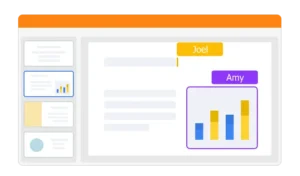
Work together in real-time while keeping your data safe with on-premise deployment
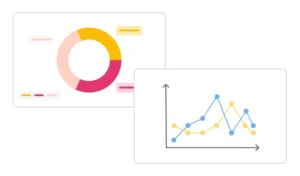
Choose from bar, line, pie, scatter, and more to present data clearly and effectively
Present confidently with Presenter View, real-time annotations, and laser pointer tools to guide your audience
Stay on track with speaker notes, upcoming slides, and timer support for smooth presentations
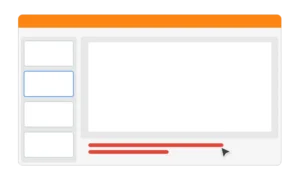
Present with confidence using Presenter View for audience focus
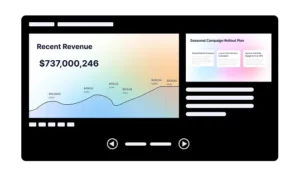
Direct your audience’s focus with precision tools like the laser pointer and on-screen cursor
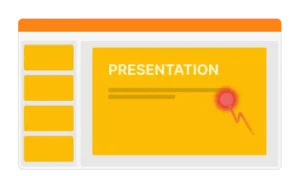
Embed images and videos to create engaging, visually rich presentations with clear highlights and interactive elements
Insert visuals that highlight key points and enhance understanding
Include videos from platforms like YouTube to boost engagement
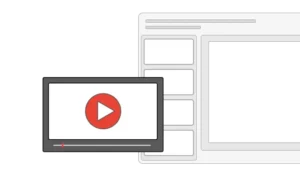
Combine text, images, and video for a richer, more interactive experience

Thinkfree Presentation is an on-premise presentation software that lets teams create, edit, and collaborate on slide decks entirely within their own infrastructure, without relying on a third-party cloud.
Yes. Thinkfree Presentation supports importing PPT and PPTX files, so you can open, edit, and present existing PowerPoint decks without losing formatting or layout.
Since Thinkfree Presentation runs on-premise, all files and edits stay within your own servers instead of being sent to external cloud storage. This makes it suitable for government agencies, financial institutions, and other organizations with strict data residency requirements.
Yes. Multiple users can co-edit the same slide deck simultaneously, with live updates, while all data remains on your private infrastructure.
Thinkfree Presentation focuses on high compatibility with Microsoft Office formats and enterprise-grade on-premise deployment. See our detailed comparisons: Thinkfree Office vs ONLYOFFICE and Thinkfree Office vs Collabora Online.
You can start with a free trial or explore the live demo before deploying it on your own infrastructure.