

Document workflows such as reports, proposals, and contracts may seem repetitive, but these high-value tasks directly affect business outcomes. Still, creating, reviewing, and editing them requires considerable time and resources, prompting organizations to turn to generative AI to overcome this bottleneck. The challenge is that many companies remain unsure which solution fits their specific needs or how to evaluate them.
Microsoft 365 Copilot is usually the first option on the table. It assists with drafting, reviewing, and editing within Microsoft 365 applications. That said, it does not fit every organization. Its value depends closely on the Microsoft ecosystem, so companies with different infrastructure or mixed work environments may find it less useful. For some organizations, it is the most natural choice for document workflows; for others, the foundational assumptions simply do not apply.
Microsoft 365 Copilot serves as an AI assistant across the Microsoft 365 suite. Even so, its performance in generating, reviewing, and editing documents heavily depends on your broader operational setup.
Copilot requires an add-on license that is tied to a Microsoft 365 subscription. Organizations without this subscription lose access to the AI editing features in Word, Excel, and PowerPoint. Support for on-premises or hybrid email setups is also restricted, and disabling Connected Experiences will restrict core Copilot functions.
These AI features favor workflows inside Microsoft 365 tools like Word, Excel, PowerPoint, Outlook, and Teams. If your organization relies on external repositories instead of OneDrive or SharePoint, organizations may face integration constraints.
Copilot can be a strong fit if your organization meets these specific prerequisites.
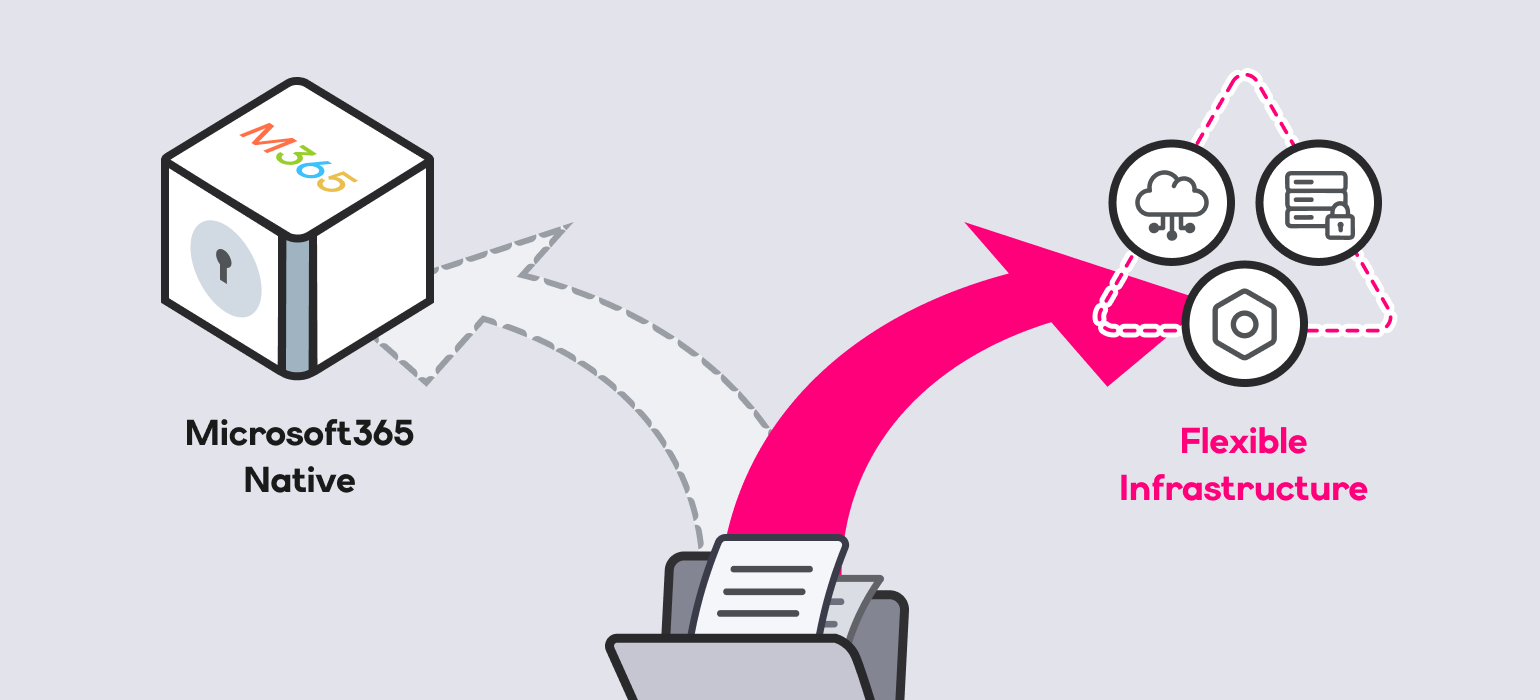
Copilot delivers maximum value when documents and collaboration remain closely integrated within Microsoft 365. Organizations that use these applications only lightly may see limited return on investment. When document creation and review are distributed across Google Workspace, internal groupware, and various SaaS tools, organizations are unlikely to get full value from Copilot’s core capabilities. In these multi-system environments, organizations may find that a Microsoft 365 Copilot alternative aligns better with their operational requirements.
Cost is another major factor. Enterprise tiers require an extra $30 per user per month, which can make a full ecosystem migration just for Copilot financially difficult.
Microsoft 365 Copilot is built around Microsoft 365 cloud services and requires components such as Microsoft 365 Apps and Exchange Online, which may make it less suitable for organizations operating primarily in on-premises environments. While Microsoft highlights its built-in data protection, GDPR, and ISO/IEC 27018 compliance, the tool can clash with internal security policies that demand local on-premises control. This can raise concerns for organizations that need direct control over data processing locations and governance policies.
Organizations in regulated industries often carefully evaluate these considerations when adopting generative AI. Gartner projects that more than 40% of AI-related data breaches will result from misuse of generative AI by 2027. One commonly cited example is the temporary restriction on Copilot use by the U.S. House of Representatives before additional safeguards were introduced. The restriction was later relaxed after legal contracts and data protection measures were strengthened, and a government-exclusive environment was established to isolate internal data access. This indicates the importance of data governance considerations in public-sector and highly regulated environments.
However, most organizations cannot realistically secure custom security arrangements with large technology vendors. Organizations that require greater control over infrastructure and data processing may face operational challenges with this cloud-centric architecture.
If your organization matches any of these conditions, you may want to evaluate alternatives beyond Copilot.
If you are evaluating an alternative to Microsoft Copilot to improve document workflow efficiency, consider the following criteria to assess fit with your organization’s environment.
To break document bottlenecks via generative AI, analyzing how well a solution maps to your specific editing workflows matters more than evaluating Copilot solely on the basis of its feature set.
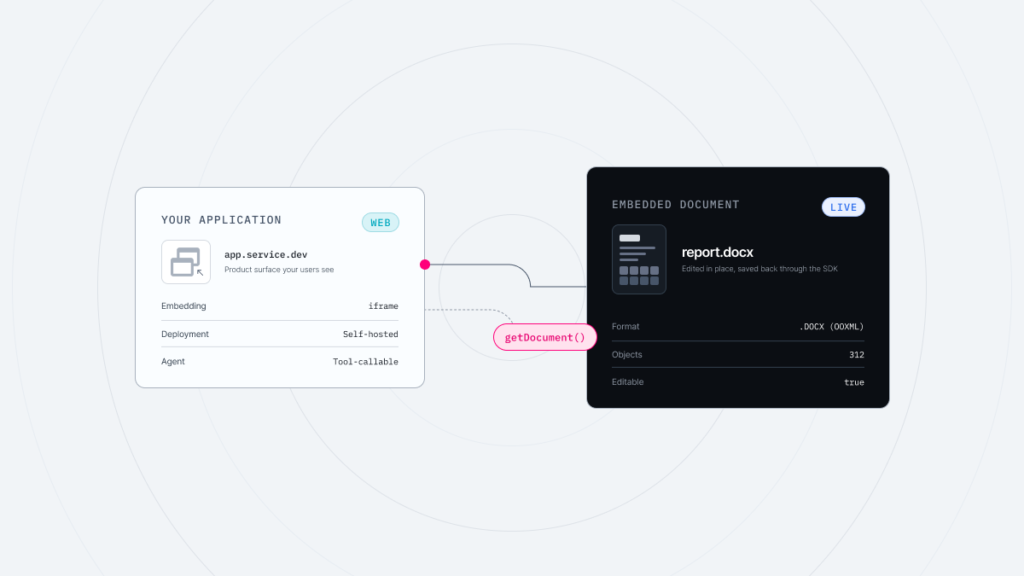
Thinkfree Document Editor SDK is an AI-powered web office platform designed for flexible enterprise environments. Organizations can deploy it as a standalone platform or embed it into existing business applications.


It connects with existing LLM and sLLM environments without requiring organizations to redesign their AI architecture, allowing them to maintain their current AI strategy and infrastructure while choosing models that fit specific document workflows.
Organizations can deploy the platform through on-premises environments, private clouds, or hosted APIs based on their security and operational requirements. This helps sensitive data remain within controlled environments while supporting compliance-driven workflows. Organizations can also securely connect and utilize internal data sources within their established data governance frameworks.
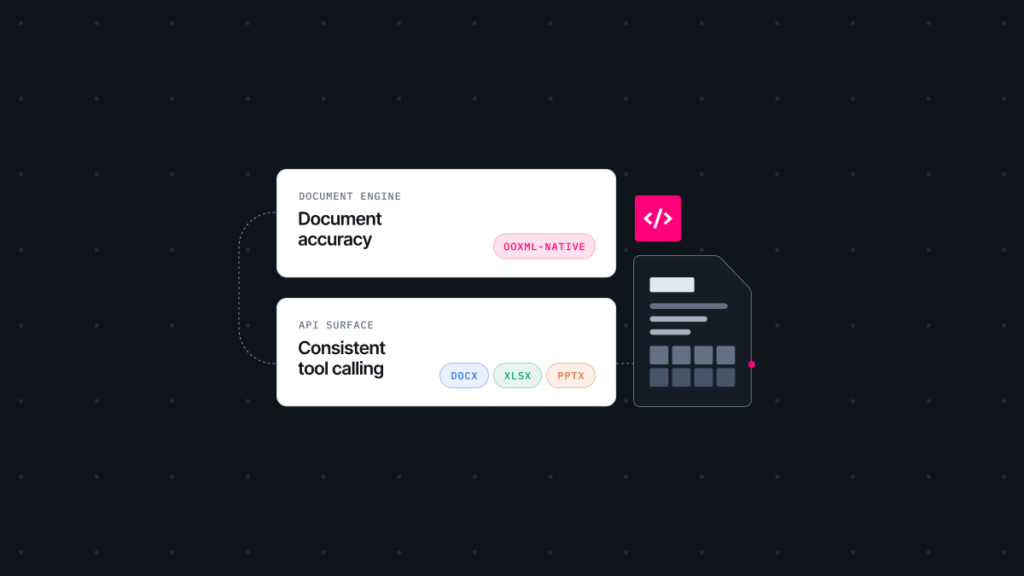
Rather than requiring users to move content between AI tools and document editors, the platform integrates AI directly into the document creation and editing experience. By supporting OOXML and ODF natively, it helps avoid copy-pasting and layout issues that can occur when working with raw AI text.
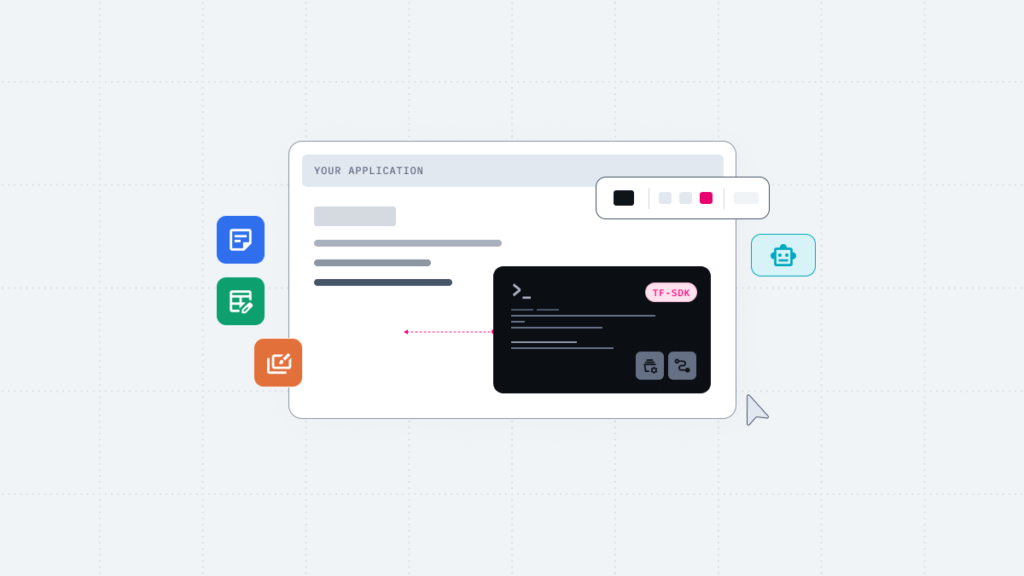
Packaged as a robust Software Development Kit (SDK), it enables solution providers to embed document editing and AI assistant capabilities directly into their own SaaS platforms or internal systems.
Operating entirely in the web browser, users can launch enterprise-grade document, presentation, and spreadsheet editors instantly without heavy client installations. It supports real-time co-editing and version control for multiple simultaneous users.
Organizations operating across multiple workspaces and internal systems often struggle to maintain a unified document workflow. Thinkfree Document Editor SDK helps connect document creation and review processes across these environments without requiring organizations to commit to a single vendor ecosystem.
By running the platform on-premises, organizations can automate the generation and editing of high-value documents such as reports and proposals through AI while keeping internal data within their controlled environment.
Solution providers can embed AI-driven document editors into their core products via the SDK, which can help deliver AI-enabled document capabilities more efficiently.
Use it as a vendor-free document component when upgrading legacy intranets or groupware. Its flexible, custom integration options improve project delivery quality while supporting client-specific integration requirements.
Feature | Microsoft Copilot | Thinkfree Document Editor SDK |
|---|---|---|
Optimal Setup | Integrated around Microsoft 365 | Flexible IT setups, multi-workspaces, or internal systems |
Infrastructure | Microsoft Cloud Based | Self-hosted / Hosted API |
Microsoft 365 Dependency | Required | None |
GenAI Model Choice | Fixed (Microsoft or OpenAI) | Vendor-Agnostic (Integrates with any LLM/sLLM) |
Document Editing Environment | AI-assisted editing within Word, Excel, and PowerPoint apps | AI integrated into browser-based web office editors (No separate installations required) |
Format Compatibility | MS-Office Native and ODF Support (via conversion) | OOXML (MS-Office) and ODF Native |
Workflow Continuity | Optimized within Microsoft 365 | Extensible while maintaining existing formats and systems |
Integration Model | Expansion centered around Microsoft 365 apps | Embeddable into proprietary systems and SaaS via SDK/API |
Data Control | Managed through Microsoft cloud infrastructure | Organizations can directly define processing locations and data flows |
Regulated Industry Fit | Cloud-focused, limited in certain regulated environments | Ready for strict regulatory rules via local or private setups |
Successful generative AI adoption depends largely on how well a solution aligns with existing document workflows. This consideration becomes especially important for enterprise organizations operating across multiple systems and platforms.
If your infrastructure is fully aligned with the Microsoft 365 ecosystem, Copilot remains a strong candidate. However, not every organization fits that profile. If your organization operates across multiple platforms and workflows beyond the Microsoft 365 ecosystem, if strict internal data control and compliance are top priorities, or if your organization runs its own AI infrastructure, you need an alternative built on different foundational assumptions.
Explore how Thinkfree Document Editor SDK fits your current environment.
Organizations that are fully standardized on Microsoft 365 may find Copilot to be a strong fit. However, alternatives can be worth evaluating when businesses need deployment flexibility, support for multiple AI models, greater control over enterprise data, or licensing models that better align with their operational requirements.
Yes. Thinkfree Document Editor SDK provides native support for both OOXML and ODF, enabling organizations to create, edit, and review Microsoft Office documents while maintaining document compatibility across enterprise workflows.
Yes. Thinkfree Document Editor SDK supports on-premises and hosted API deployment models, allowing organizations to choose the environment that best aligns with their security, compliance, data residency, and operational requirements.
Like this post? Share with others!