
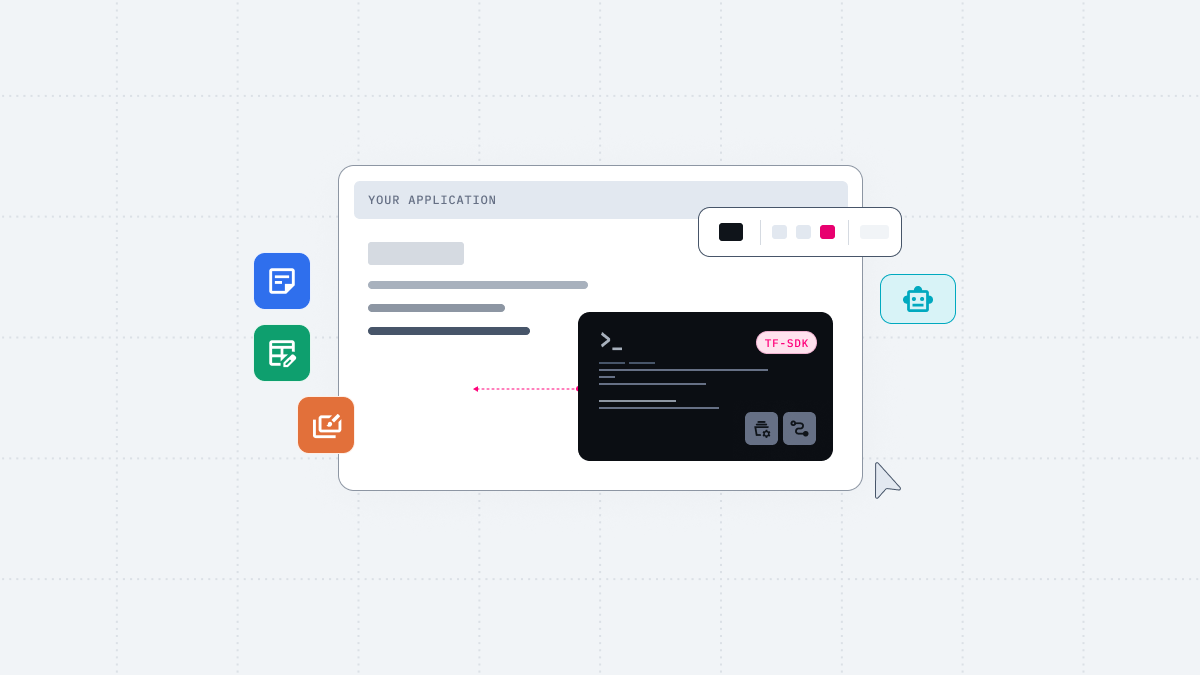
Thinkfree Document Editor SDK lets you embed Word, Spreadsheet, and Presentation editors in a web application and control documents through a JavaScript API.
Users and AI agents share the same editing state. DOCX, XLSX, and PPTX files saved from the editor open in Microsoft Office without conversion.
When you build document editing into an AI-native service, an important question is how much end users can do with the document themselves. Your app needs to open the DOCX, XLSX, and PPTX files users already have, let them edit those files while preserving the original structure and formatting, and save them back in the same format.
Developers building AI document editing into a product need three things:
Thinkfree Document Editor SDK embeds Word, Spreadsheet, and Presentation editors in your application. Instead of converting documents, it exposes paragraphs, tables, charts, and slides as objects that can be controlled through code or natural language. The AI does not create a separate document. The embedded editor itself is where the AI workflow runs.
This tutorial shows how to embed Thinkfree Office editors into an application with the SDK and how to edit contracts, financial models, and pitch decks using natural language commands and code.
@thinkfree.dev/tfo-sdk package installedPoint the iframe at a document-open URL, then connect the SDK.
					import { Office } from "@thinkfree.dev/tfo-sdk";

// The iframe already has a document open
const iframe = document.querySelector("#office-frame");
const word = Office.word(iframe);
await word.whenReady();

const body = await word.getDocument().getBody();
console.log(await body.getText());
Office.cell() and Office.show() work the same way as Office.word(). Choose the one that matches the document type in the iframe, whether it is a word processor file, spreadsheet, or presentation.
Embedding the editor in an iframe and connecting the SDK
Each of the three document types has its own document object model. The examples below reuse the iframe from the previous step.
					import { Office } from "@thinkfree.dev/tfo-sdk";

const word = Office.word(iframe);
await word.whenReady();

const doc = word.getDocument();
const body = await doc.getBody();
const hits = await body.search("Confidential Information");
for (const range of hits) {
  await range.setTextFormat({ highlightColor: "#FFFF00", bold: true });
}
search() returns each match as a Range object. You can use the returned Range to apply text and formatting at that position in the document. Edits apply to the open document, and autosave writes them back to the file.
Highlighting a search term in a DOCX file with code
					import { Office } from "@thinkfree.dev/tfo-sdk";

const cell = Office.cell(iframe);
await cell.whenReady();

const doc = cell.getWorkbook();
const sheet = await doc.getWorksheet("Income Statement");
const chart = await sheet.addChart("clustered_column", "A3:B7");
await chart.setTitle("Quarterly Revenue");
The values in this range are the results of formulas that reference another sheet. You can also select a range referenced by other formulas.
Adding a chart to an XLSX file with code
					import { Office, ShapePreset } from "@thinkfree.dev/tfo-sdk";

const show = Office.show(iframe);
await show.whenReady();

const doc = show.getDocument();
const newSlide = await doc.insertSlide();
const shape = await newSlide.insertShape(ShapePreset.RECT, { x: 100, y: 80, width: 500, height: 60 });
await shape.insertText("Live Demo — Added via API");
You can add new slides or objects, and each object is added as an editable Shape.
Inserting a new slide and a shape into a PPTX file with code
You can also make the document editing operations you run with code available through a natural language interface. Editor SDK exposes its document editing features as tools that an AI agent can use, and Editor AI SDK connects them to your agent and model loop. Developers select the tools they need and connect them to their own AI workflow, while users can request edits in natural language.
					import { Office } from "@thinkfree.dev/tfo-sdk";

const word = Office.word(iframe);
await word.whenReady();

const tools = await word.getTools({ include: ["insert_text"] });
console.log(`${tools.length} Office tools available`);
After the initial setup, the chat interface next to the Office editor sends the tool list and the user’s natural language request to the AI model. When the model decides which tool to use, it returns an execution request that includes the tool name. Your application finds the tool with the same name in the tools list and calls execute() to apply the edit.
tool.execute() runs in the currently open Editor SDK session. After the AI finishes its tool calls, the user can review the result in the same editor and continue editing.
This tutorial does not cover wiring up the chat interface itself. For the full tool-calling loop, including the createMessage implementation and a complete working example, see the Editor AI SDK Quickstart.
Agent and human edits share the same document state across DOCX, XLSX, and PPTX
With the chat interface connected, try commands like these on a sample document.
Each command leads to one or more tool calls. You can watch the editing tools being called and executed in real time.
The result stays a complete Office file. Saving writes the current document state back to the original Office file format. The LLM never converts the document to Markdown or plain text, so formatting, styles, and formulas are preserved as intended.
People can check results right away and keep editing. Agent edits and human edits operate on the same document state.
You are not tied to a particular model or deployment method. The application configures the LLM connection. In a development environment, you can call the provider directly. In production, a relay server keeps the provider key on your backend and routes provider calls server side. You can deploy through a self-hosted installation or API calls to the Thinkfree managed cloud, depending on where your documents live and how your infrastructure is set up (managed cloud access is coming later this year).
Document Editor SDK lets users and agents edit OOXML files through the same document state and API, without converting them to Markdown or limiting them to a view-only experience. This makes document editing available through code and natural language within the same AI workflow.
For the API reference, installation steps, and more, visit Thinkfree Developers.
Yes. This SDK can load, edit, and save standard DOCX, XLSX, and PPTX files.
It depends on your deployment and how you connect the LLM. With a self-hosted Office, you can run the Office service in your own environment. Your application can call an LLM provider directly in local testing, or through a relay server that keeps the provider key on your backend in production. You can also connect a model running in your own environment.
Yes. Before setting up the integration, you can try Editor SDK and Editor AI SDK with sample documents in Thinkfree SDK Playground.
Tool calls from Editor AI SDK are validated by the application and executed through Editor SDK. You can configure your application to include separate approval or review steps. The application decides which operations require approval and which tools to allow.
Like this post? Share with others!