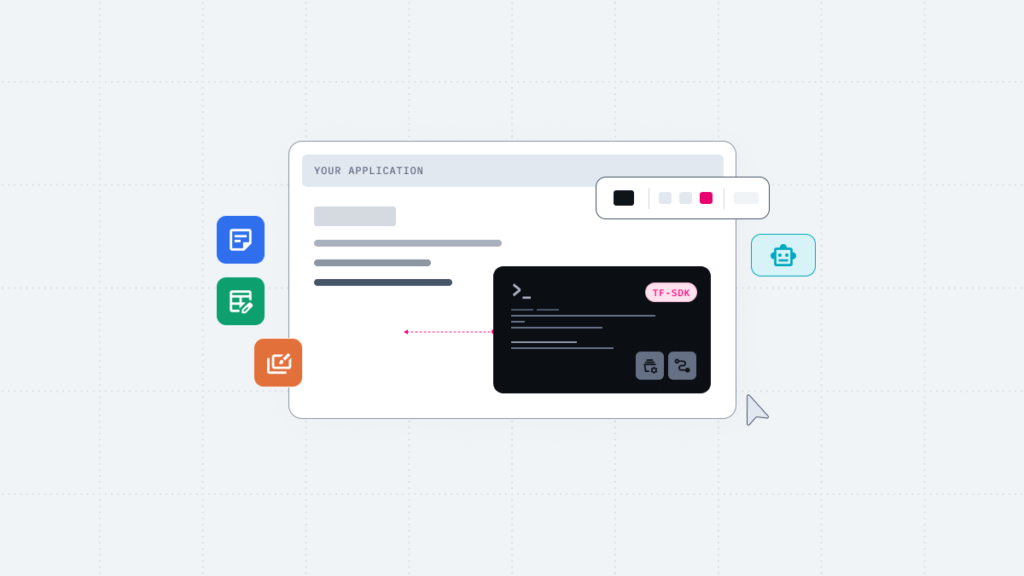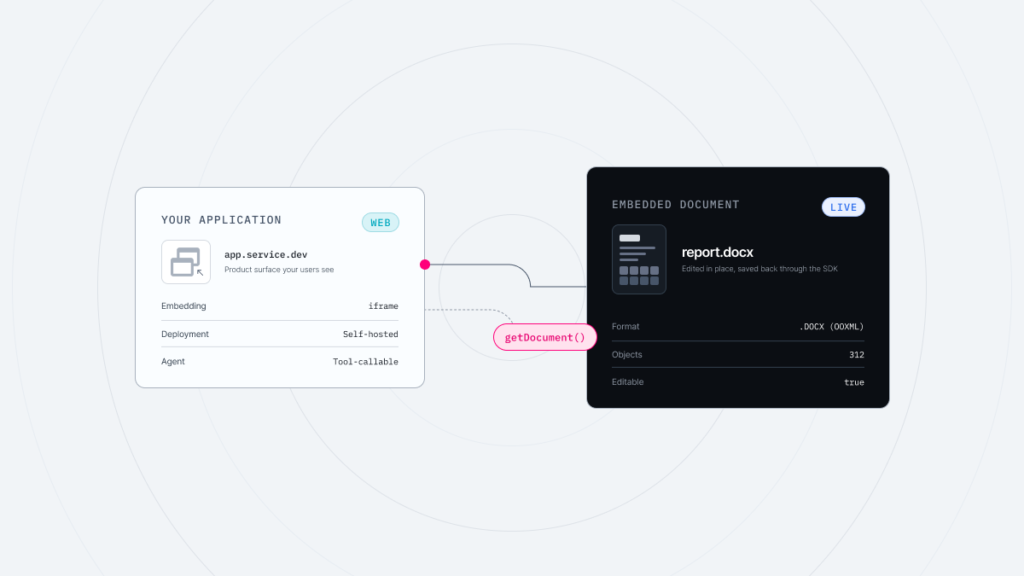

Thinkfree Office is now offered as Thinkfree Document Editor SDK for embedded document editing, object-level APIs, and AI agent integration.
Google Docs is one of the most widely used web-based document tools in the world. Anyone with a browser can create and share documents, and for organizations using Google Workspace, it serves as the hub for collaboration.
However, from a business perspective, Google Docs is not always the best choice for every organization. This often comes down to four factors: document formatting, compliance, embedded document editing within your own product or solution, and AI-powered document editing.
Of course, for organizations whose work is largely created, shared, and completed inside Google Workspace, the issues below may not matter much. On the other hand, if you regularly exchange Microsoft Office format files or operate your own infrastructure and services, the factors you need to consider will differ.
This article compares Thinkfree Document Editor SDK and Google Docs across four areas, and explains why Thinkfree Office is worth considering for organizations that need to address those limitations.
Suppose you draft a contract in Google Docs and send it to the counterparty’s legal team as a .docx file. When they return their edits, you start noticing line spacing differences and table position shifts that weren’t in the original.
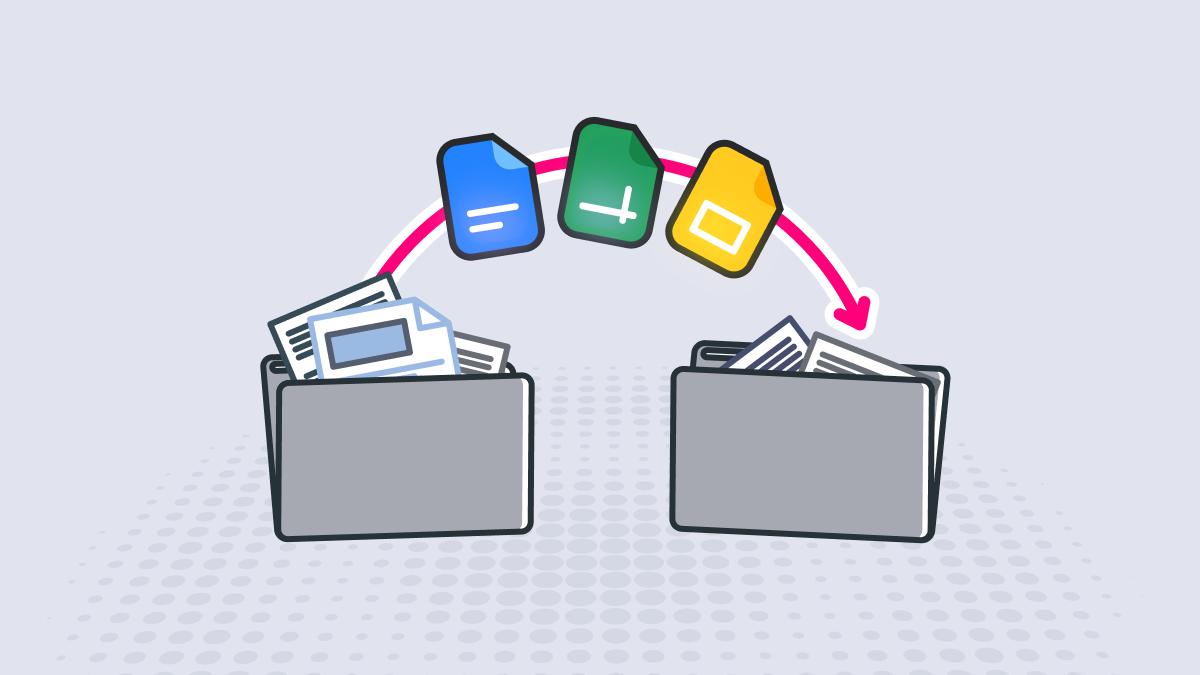
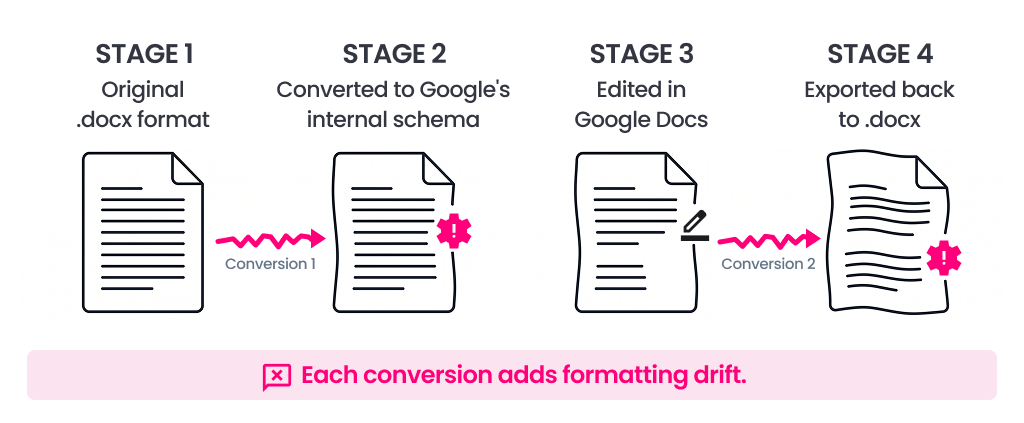
Google Docs, Sheets, and Slides use their own internal schema. When you upload .docx, .xlsx, or .pptx files (OOXML format), they are converted to Google’s internal format at that point, and subsequent editing is performed on the converted version, not the original. This conversion is not a one-to-one mapping.
Because the two formats describe document structure in fundamentally different ways, information that cannot be mapped directly is approximated or dropped during conversion. When formatting shifts in an OOXML file exported from Google Docs, that is not user error or a one-off glitch. It is a result of this underlying structure.
In practice, the following four elements are particularly susceptible to formatting changes during document conversion in Google Docs.
In practice, a single document is often edited back and forth across multiple organizations. For example, open a Word file in Google Docs, edit it, and send it back out as .docx, and the document has now passed through two conversions.
The issue is that this OOXML conversion process does not preserve the original structure as is. As documents are exchanged more frequently, formatting discrepancies accumulate. For documents where layout itself carries weight, such as contracts or proposals, the resulting formatting loss can become a real operational burden.
A document that looked fine on screen can look different once saved as a PDF or exported as a Word file. This happens because Google Docs displays documents through the browser’s HTML and CSS rendering.
Small differences in line breaks, font spacing, or table positioning can translate into changes in page count or layout at the output stage. For documents like reports or proposals where the final output form matters, this can mean redoing the layout after the fact.
Thinkfree Office does not permanently convert documents into a proprietary schema. Instead, its native engine interprets the .docx, .xlsx, and .pptx standards directly. Because its in-house office filters read and save standard formats as-is, this avoids the risk of corruption from round-trip conversion through a vendor-specific schema, as occurs with Google Docs.
Thinkfree Office supports not only OOXML but also ODF at the engine level. It includes dedicated filters for .odt, .ods, and .odp, enabling documents in both standards to be viewed and edited in their original form, and supporting format conversion between the two standards.
Thinkfree Office runs on a canvas-based layout engine on par with desktop office software. What you see on the editing screen closely reproduces the layout of actual outputs and MS-Office originals, with page boundaries during printing or PDF conversion matching the editing screen to a high degree. For business documents where complexity runs high, such as approval documents, formal reports, or print-ready templates, this significantly reduces how often you need to fix layout after the fact.
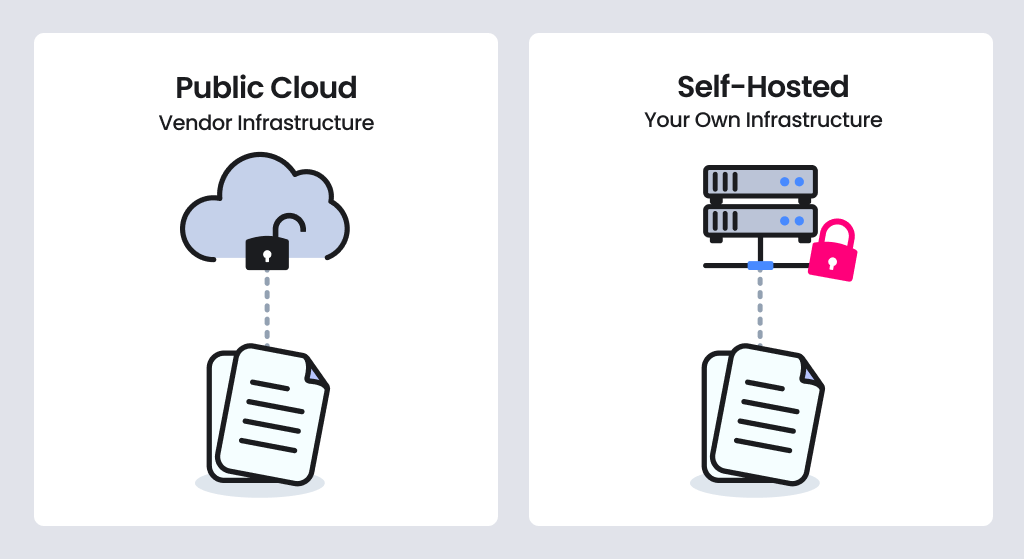
For organizations in regulated industries or with high security requirements, where data is processed and who controls it can matter more than the office suite’s features. Public cloud services in particular call for reviewing data location, access rights, and audit scope against organizational policy. (Read more)
Google Workspace offers a range of administrative controls, but organizations should verify how much control they actually have before adoption. Before adopting it, therefore, we recommend confirming the following three points against your organization’s specific situation.
The key question is not whether these features exist, but where your organization’s control begins and ends. Organizations that need to meet regulatory requirements should be able to document that boundary clearly during an audit.
Thinkfree Office can be deployed and operated directly within your private infrastructure, closed networks, or your own data center (VPC).
With Thinkfree Office, documents are not stored separately and are processed only within the customer’s own storage. As a result, data can be managed in one place, and existing internal DLP (data loss prevention) policies remain unchanged.
Designed to integrate easily with security patching and specific encryption modules, Thinkfree Office also connects with your organization’s internal authentication systems (IAM/SSO) and security audit logs, helping avoid the need to manage document editing as a separate security domain.
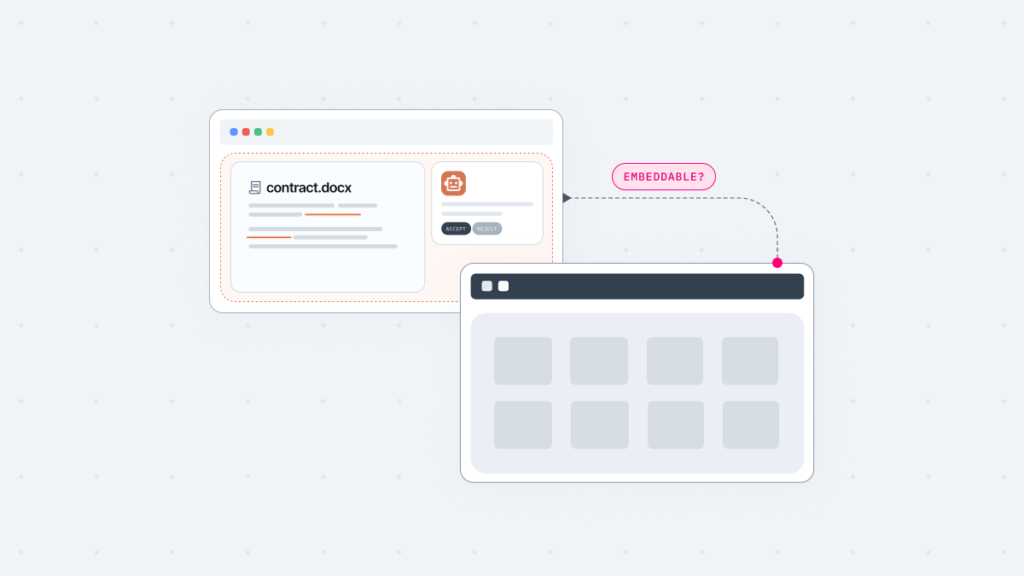
So far, we have looked at situations where members of an organization use an office tool directly. But when the goal is to add document editing to your own product or solution, Google Docs may not always be the best fit. For more detail on this topic, see this article.
What if every time a customer opens a document, a separate Google login window appears? The purpose of adding document editing to a product is to enable users to continue their work without leaving your service. Therefore, the more important question is not simply whether an editor can be embedded through an iframe, but whether the document editing experience feels like a natural part of the product.
If a user is asked to log into an external account the moment they try to open a document, users are likely to perceive the experience as switching to an external tool, not as a feature your product provides natively. If strengthening the user experience is part of why you are adding document editing, this becomes a real constraint.
Organizations introducing technology for AI transformation need to conduct the same review. Related content is covered in more detail in the following article. (Document Automation SDK for Vertical SaaS)
Thinkfree Office provides a RESTful API, an SDK, and WOPI-compatible adapters. As a result, you can choose the integration approach that fits your infrastructure without overhauling your existing systems.
You can insert your own brand’s logo and customize colors and menu layout. As a result, users experience the editor as part of your product or solution rather than an outside tool.
Data for each tenant, meaning each organization, is logically separated and encrypted. In addition, data packets and session tokens exchanged in real time with a customer’s existing storage are protected with tenant-specific encryption keys.
As of 2026, Google Docs includes AI features for drafting documents, summarizing content, and editing within the editor via Gemini (on supported Workspace plans). For organizations built around Google Workspace, this is a feature that fits naturally into daily work.
However, because Google Docs relies on Gemini as its fixed, built-in AI model, organizations that want to use their own in-house AI infrastructure or proprietary data for document editing may find this flexibility limited. Whether you can freely choose your AI model, and how your organization’s internal data can be used, can become a key factor in choosing your document editing environment.
Thinkfree Office provides an SDK that lets an AI agent perform document editing tasks across word processing, spreadsheets, and presentations. An AI chat is built directly into the office editor, so users can issue editing commands without ever leaving the browser tab.
You can connect the specific LLM, sLLM, or in-house AI chatbot your organization already runs, or one you plan to adopt. There is no need to lock into a specific AI vendor.
When embedding the office editor into external solutions or platforms, AI capabilities can also be exposed through APIs. This means you can build AI-powered workflows tailored to your product’s characteristics.
The table below summarizes the four evaluation areas discussed so far. Rather than indicating which office suite is superior, each point should be evaluated based on your organization’s requirements.
Comparison | Google Docs | Thinkfree Office |
|---|---|---|
Document processing | Converts to an internal proprietary schema before editing | Native engine directly interpreting OOXML/ODF standards |
Format compatibility | Conversion occurs at upload and export | Standard formats processed directly, without round-trip conversion |
Screen-to-output match | Browser rendering-based (output differences can appear) | Canvas-based layout engine (high page-layout fidelity) |
ODF support | Open and save supported | Handled by native engine and format filters |
Deployment | Public cloud (Google Workspace) | On-premise, VPC, air-gapped |
Data handling | Stored on vendor infrastructure | Processed within customer storage |
White-label | Branding limitations with Google sign-in | Supported |
Integration with existing products | iframe embedding | RESTful API, SDK, WOPI adapter |
Multi-tenant embedding | Not applicable | Per-tenant logical separation and session encryption |
AI Model | Google Gemini | LLM-Agnostic |
It is difficult to say that either Google Docs or Thinkfree Office is the better choice for every organization. What matters is how well each fits your organization’s work style and technical environment.
If your organization creates, shares, and collaborates on documents primarily within Google Workspace, Google Docs is a reasonable choice. It is worth evaluating your office suite against a different set of criteria, though, if any of the following apply.
When these requirements are a priority for your organization, we recommend booking a demo to see how Thinkfree Office can fit your own environment.
Discuss your needs with our expert.
See how it works in your team.
Thinkfree Office does not convert documents into a proprietary schema. Its native engine interprets the OOXML standard directly. Because there is no round-trip conversion into and out of a vendor-specific format, the way there is with Google Docs, this minimizes the risk of formatting loss.
Yes. ODF is supported at the engine level, the same way OOXML is. Thinkfree Office includes dedicated filters for .odt, .ods, and .odp, so documents in either standard can be opened and edited natively. Converting between the two standards is also handled through its own filters, without a third-party converter, so organizations that need to work in both OOXML and ODF can handle both with a single editor.
Yes. Thinkfree Office can be installed directly in an air-gapped internal network or an on-premise server environment with no external internet access. Its stateless architecture, which does not store documents inside the editor itself, helps keep document data within your infrastructure.
Yes. Thinkfree Office is a document editor that integrates through a RESTful API and WOPI-based adapters, among other options. It supports white-labeling, so you can embed an editor customized to your own brand logo and UI into your SaaS solution, ERP, CRM, or other business applications.
Thinkfree Office is not tied to any specific AI model. It allows enterprises to freely connect their preferred LLM or sLLM, enabling AI agents to generate, edit, and review documents.
Yes. Real-time co-editing in Thinkfree Office lets multiple team members open the same document at once, see each other’s cursor positions and edits live, and collaborate through comments.
No. Thinkfree Office applies per-tenant logical data separation and session encryption at the embedded editing session and memory level. Even when editing requests from multiple companies are processed simultaneously on one server, each company’s document data remains separate and is not exposed.
Like this post? Share with others!